Available
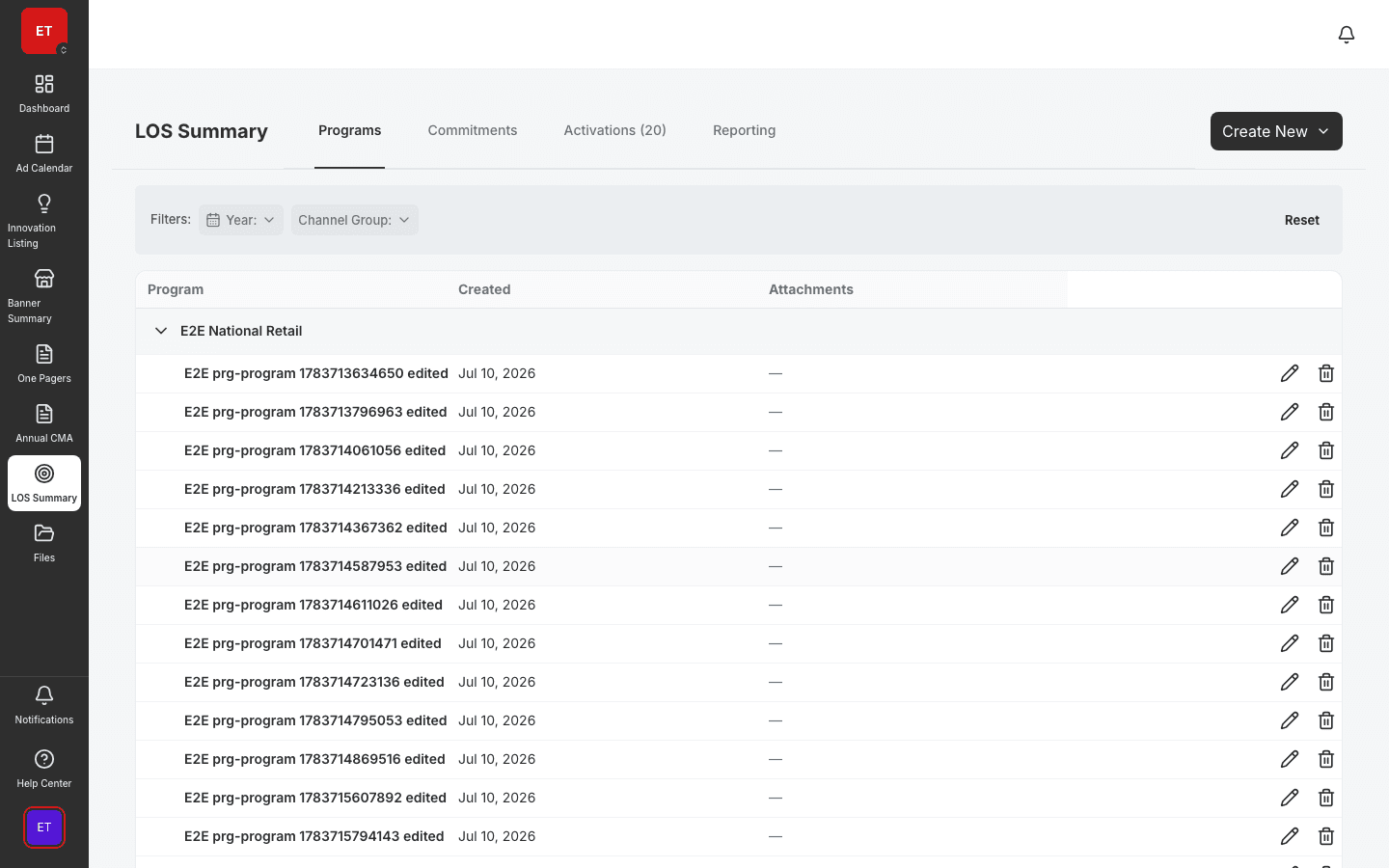
LOS Programs
Define Look of Success merchandising programs by banner.
- Grouped programs table by banner
- Priority and activation structure
- Compliance status tracking
Detail view for each activation with display commitments, POS material assignments, outlet coverage bars, and share/duplicate workflows.
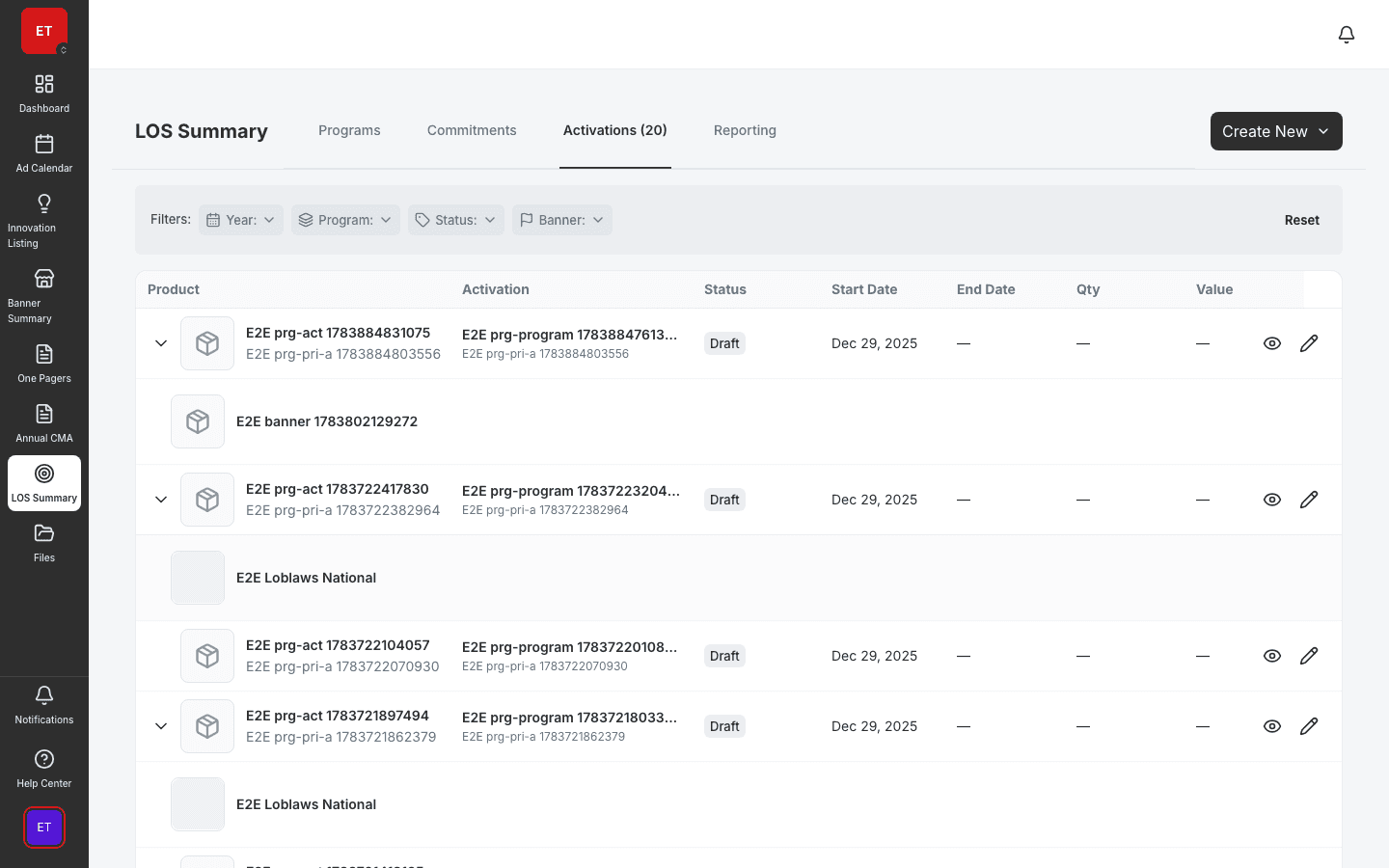
Each activation shows display commitments, POS assignments, and outlet coverage in one view.
Visualize mandatory vs local sell-in and outlet coverage so gaps surface before store visits.
Clone proven activations across banners and seasons without rebuilding POS panels.
Execution unit
Activations are the operational unit of in-store execution — each with display commitments, POS material assignments, outlet coverage bars, and share/duplicate workflows. Retail execution and field marketing teams run activations from HQ standard to store shelf.
Sell-in tracking
Coverage bars show how many outlets meet mandatory sell-in vs local execution. Field teams prioritize visits where coverage lags; HQ sees banner-level rollup before compliance audits.

Connected execution
Every activation links to its LOS program, commitments, and POS tracking matrix. Surveys and GamePlan reference the same activation context field reps need on visit day.
A clear path from setup to outcomes — built into the Judo platform your teams already use.
Start from a program template or duplicate a proven activation for a new banner.
Configure display rows, POS materials, and funding commitments in the detail view.
Monitor outlet coverage bars and mandatory sell-in progress.
Roll results into POS matrices and reporting for stakeholder review.
A complete feature set — not a lite module bolted onto legacy TPM software.
Real screenshots from the Judo platform — the same UI your team will use in production.
3 related modules on the same platform — no integrations to wire up.
Define Look of Success merchandising programs by banner.
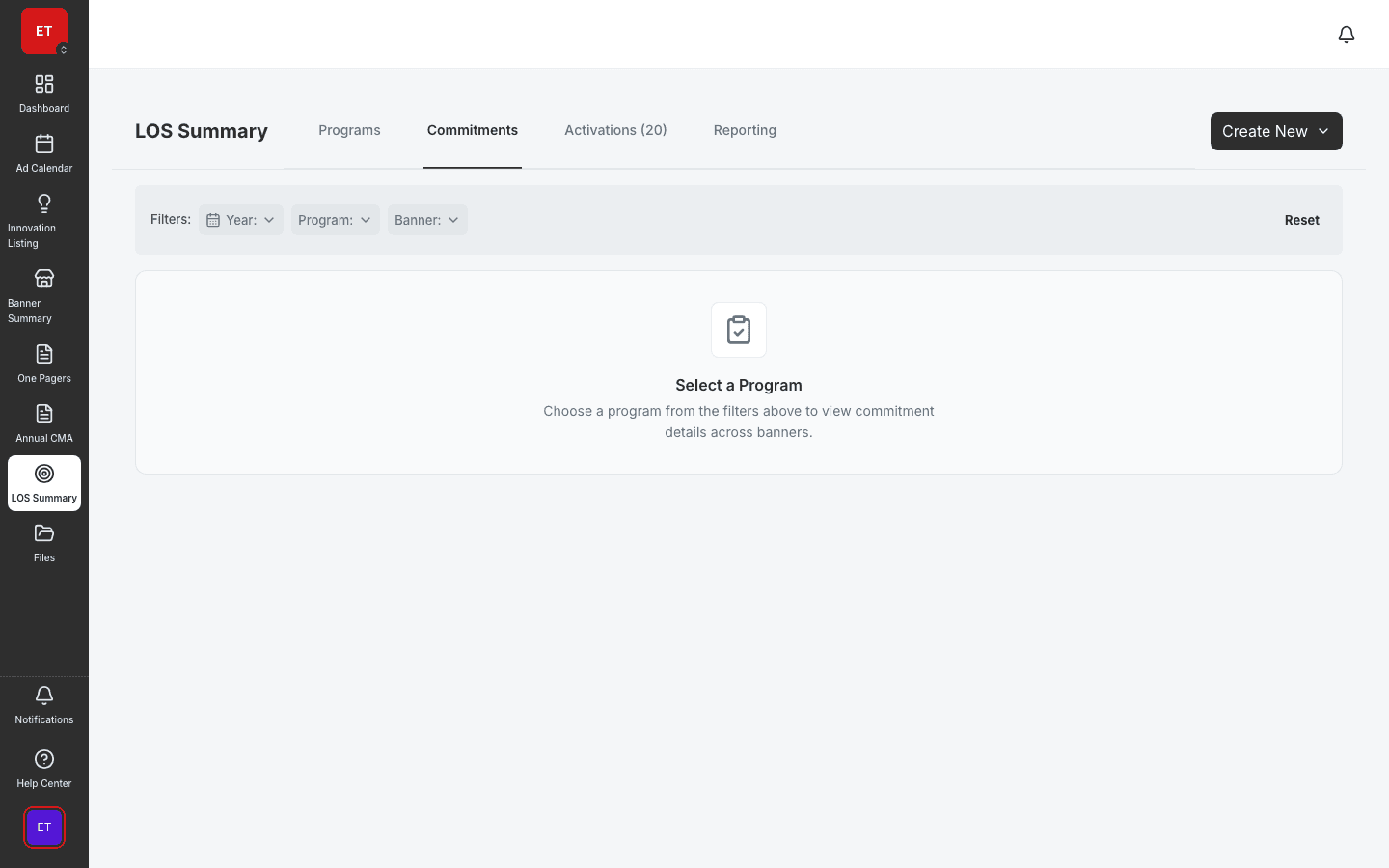
Inline commitment editor for display and funding obligations.
Track point-of-sale materials and compliance across outlets.
Book a demo for TPO pilot modules, or join the waitlist for early access to the full execution platform.
Explore all platform features