Available
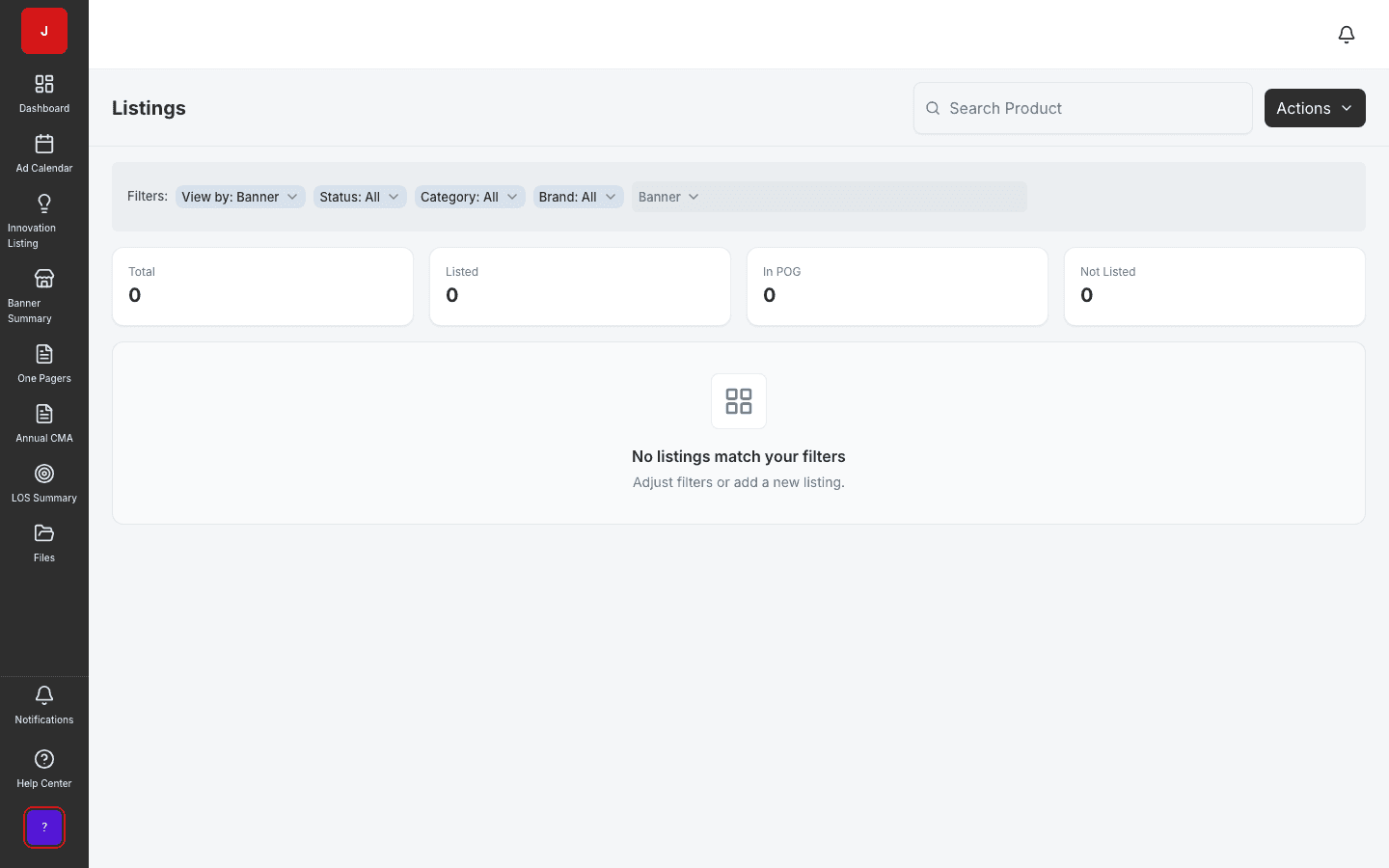
Product Listings
Centralize listing status across banners, channels, and SKUs.
- By-banner and by-product views
- Color-coded listing status at a glance
- Fast search across the full catalog
The flagship Ad Calendar gives teams a unified timeline for promotional activities — with multi-banner views, activity-type chips, regional filters, and year-over-year comparison.
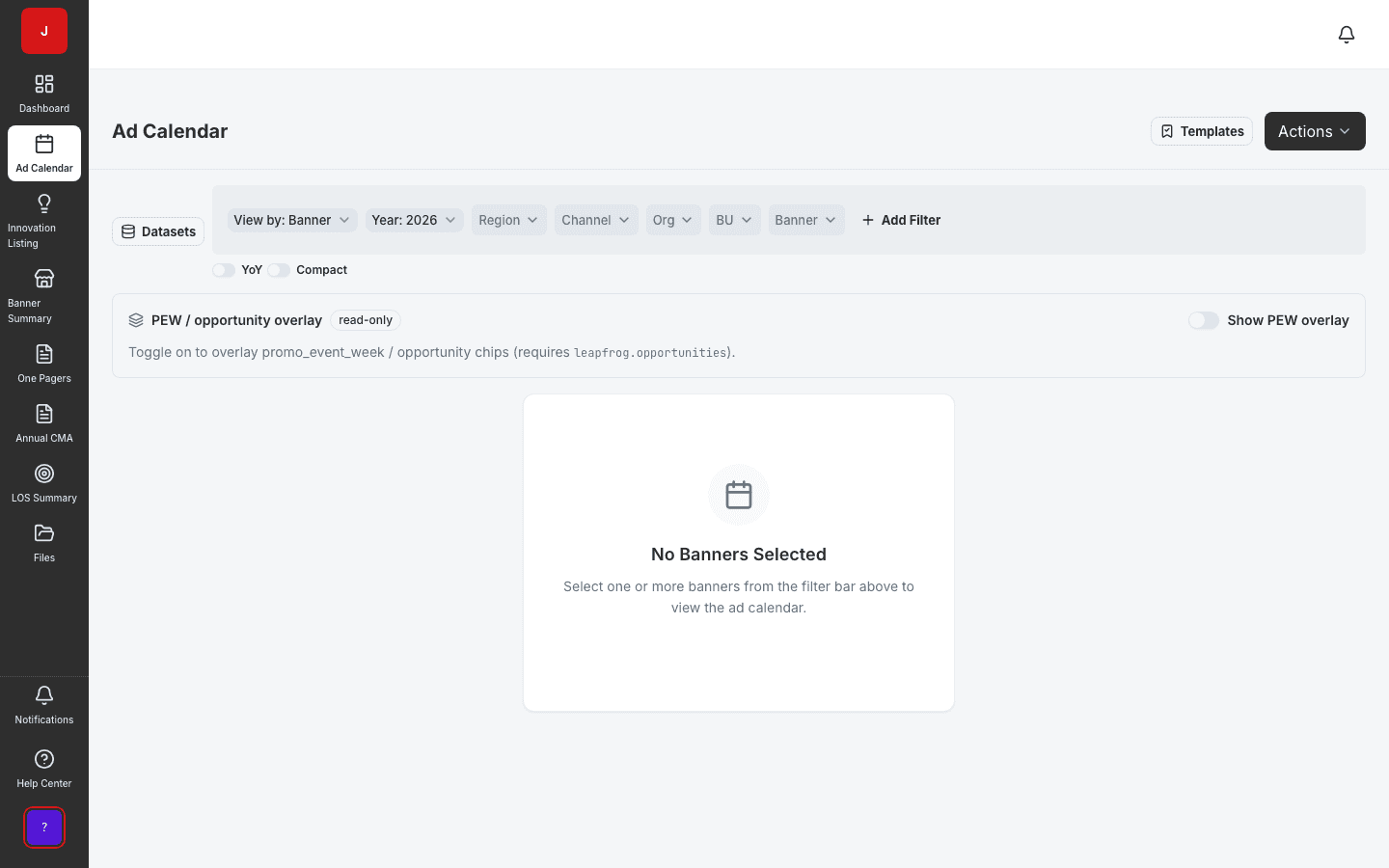
Shopper marketing and category teams plan across all banners from a single promotional calendar instead of disconnected files.
Catch overlapping events and resource conflicts before retailer submissions go out the door.
Generate submission-ready calendar exports without rebuilding decks from scratch every quarter.
Flagship planning
The Ad Calendar is JudoCloud’s flagship planning surface — a unified timeline for promotional activities with multi-banner views, activity-type chips, regional filters, and year-over-year comparison. It is the system of record shopper marketing trusts for retailer line reviews.
Scale
Calendar templates accelerate seasonal planning. Bulk operations update hundreds of activities at once. Mix-and-match package planning ties promotional mechanics to product groupings — so HQ plans scale to every banner without copy-paste errors.
Connected planning
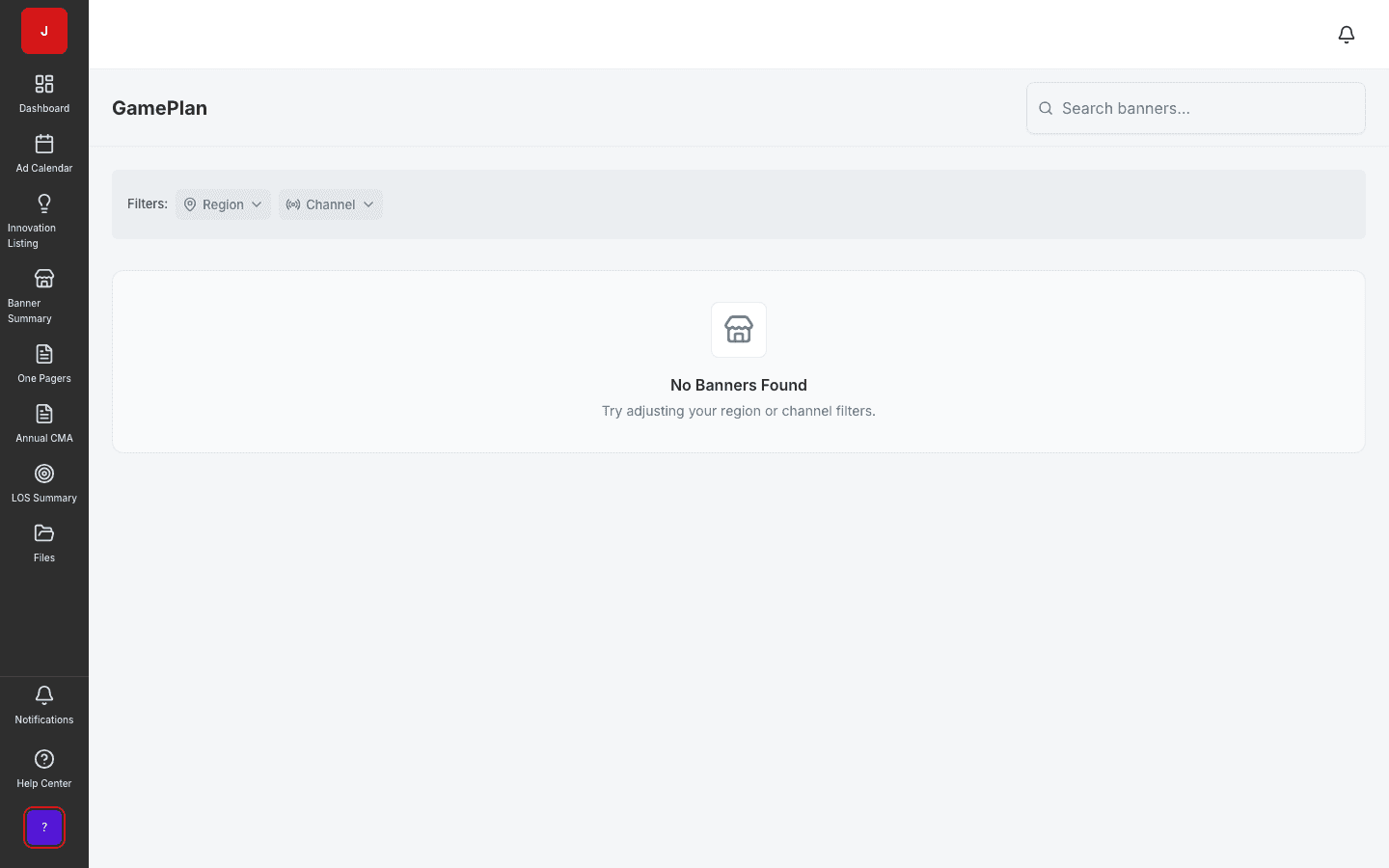
Listings, LOS programs, GamePlan, one-pagers, and TPO opportunity overlay all consume the same calendar activities. Change the calendar once; every downstream module reflects the update.
A clear path from setup to outcomes — built into the Judo platform your teams already use.
Select banners, regions, channels, and fiscal year for the planning view.
Create or drag activities onto the timeline; apply templates for recurring seasons.
Review overlap warnings and adjust timing before retailer submission.
Share the live calendar with sales and export PDFs for buyer meetings.
A complete feature set — not a lite module bolted onto legacy TPM software.
Real screenshots from the Judo platform — the same UI your team will use in production.
3 related modules on the same platform — no integrations to wire up.
Centralize listing status across banners, channels, and SKUs.
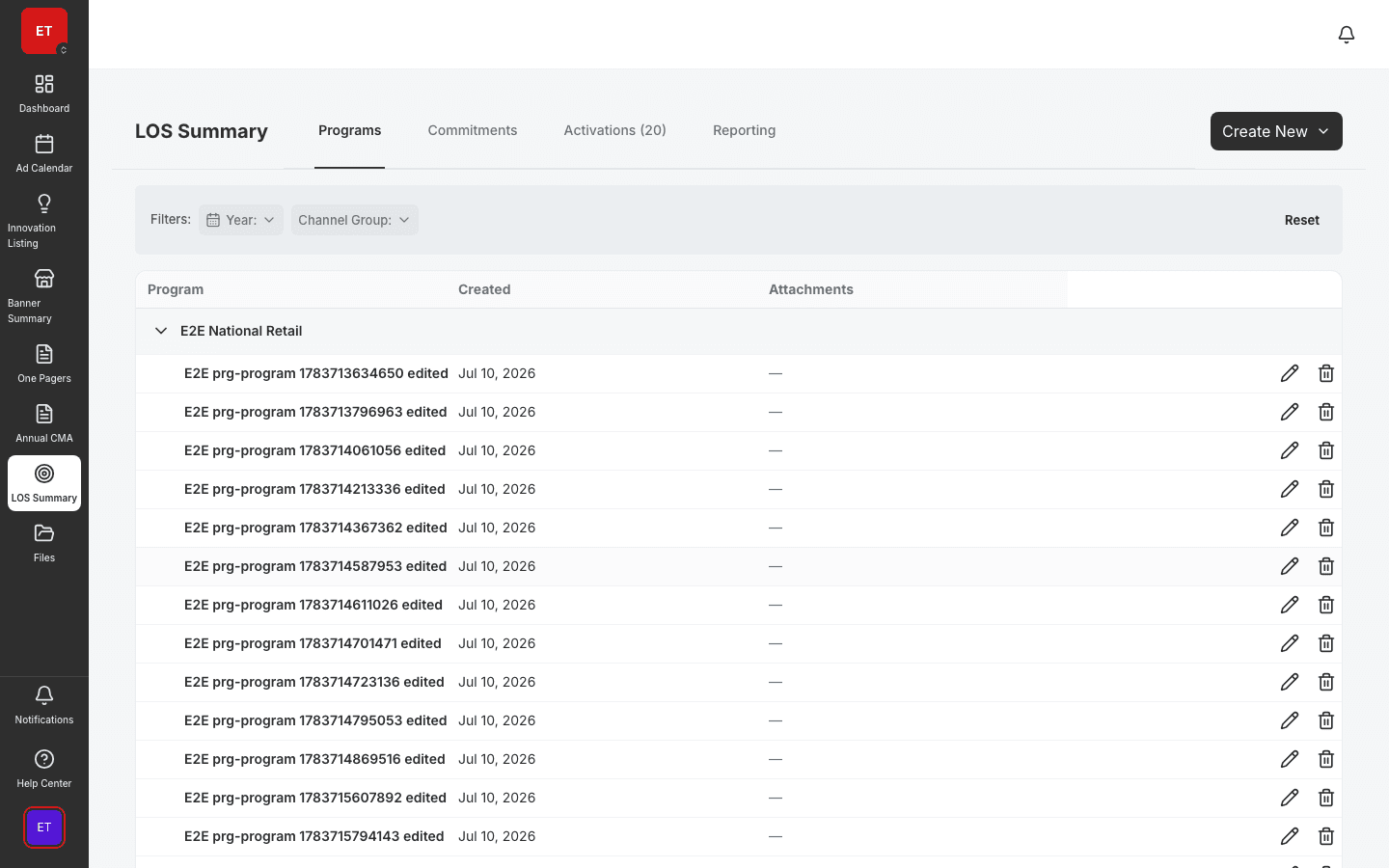
Define Look of Success merchandising programs by banner.
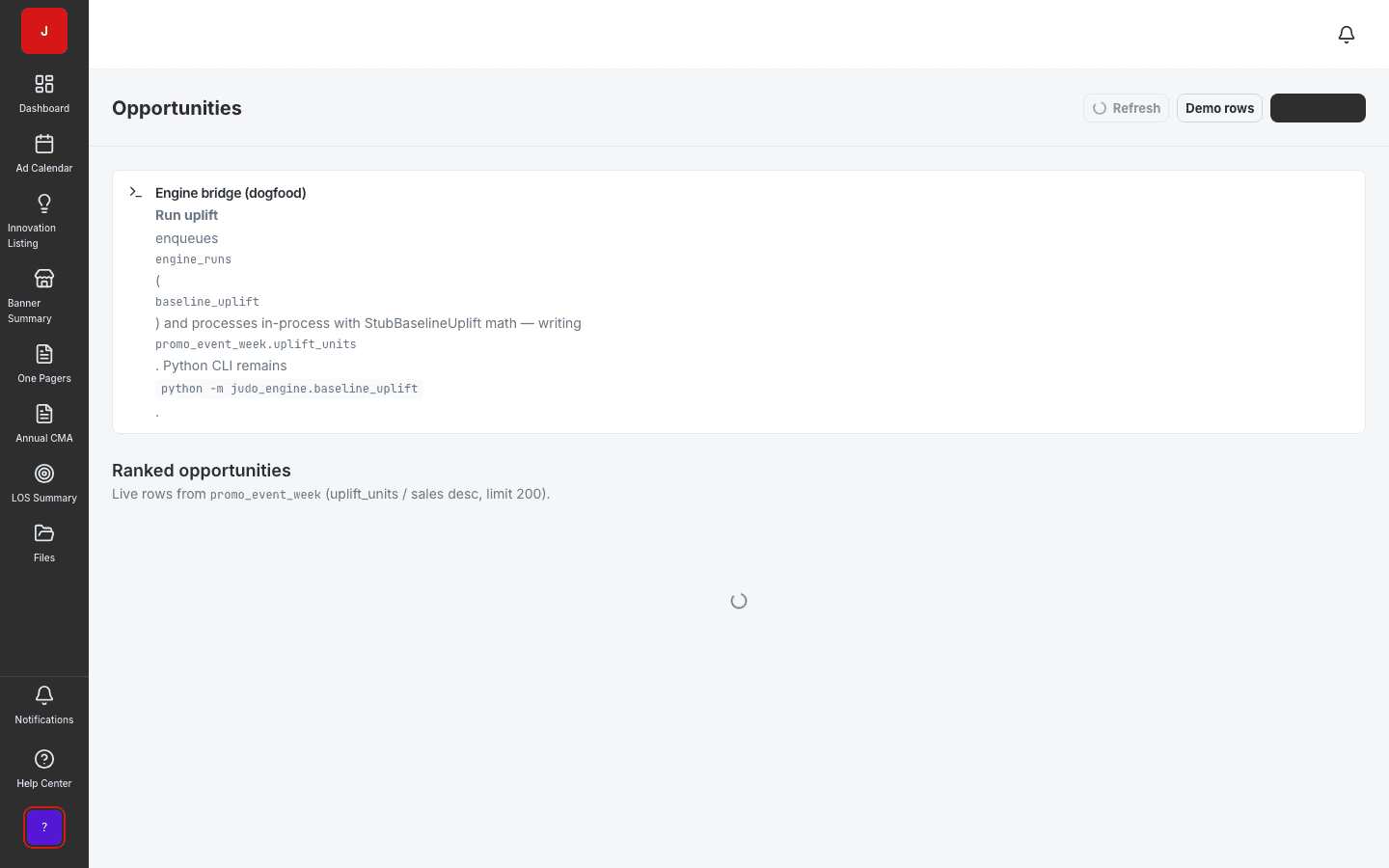
Surface underperforming promos and reallocation candidates.
Book a demo for TPO pilot modules, or join the waitlist for early access to the full execution platform.
Explore all platform features