Available
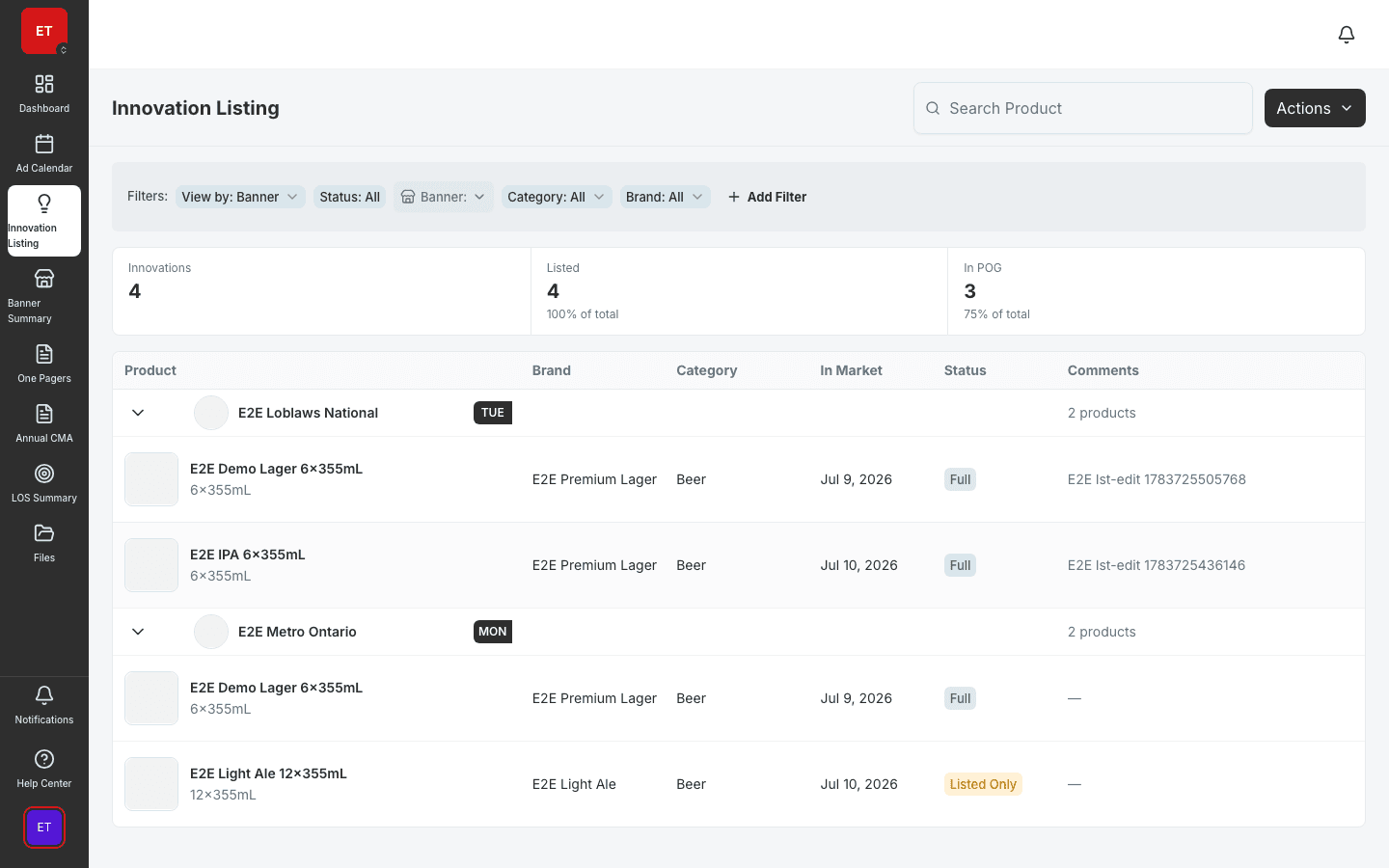
Innovation Pipeline
Manage new product introductions across banners.
- Grouped multi-banner innovation table
- Banner and product view modes
- Linked to listings and calendar planning
Track in-market dates, listing status, and POG timing across your full product catalog — with banner-level and product-level views for fast answers in trade reviews.
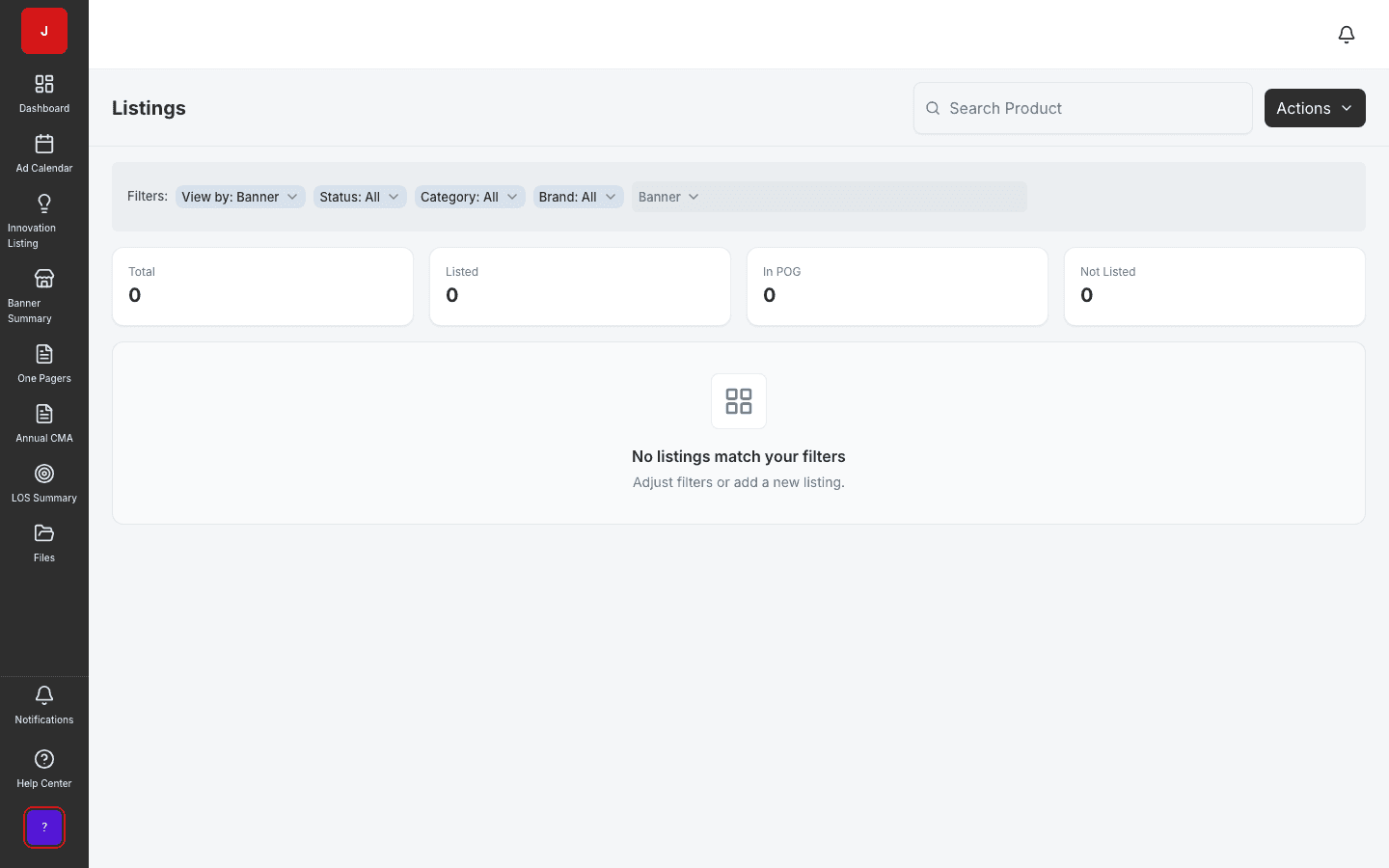
Answer “is this SKU listed at this banner?” in seconds — not after a round of emails.
In-market, pending, and delisted statuses are visible at a glance in by-banner and by-product views.
NPI products flow from innovation to listings without re-keying dates and status.
Catalog truth
Product Listings tracks in-market dates, listing status, and POG timing across your full catalog. Category managers switch between by-banner and by-product views to prep trade reviews and answer retailer questions with live data.
Trade review ready
Banner-level customization captures retailer-specific nuances. History shows who changed what and when — critical when buyers challenge listing commitments from prior seasons.
Platform links
GamePlan product views, banner summary roll-ups, and calendar planning all reference the same listing records. One update propagates everywhere your teams need it.
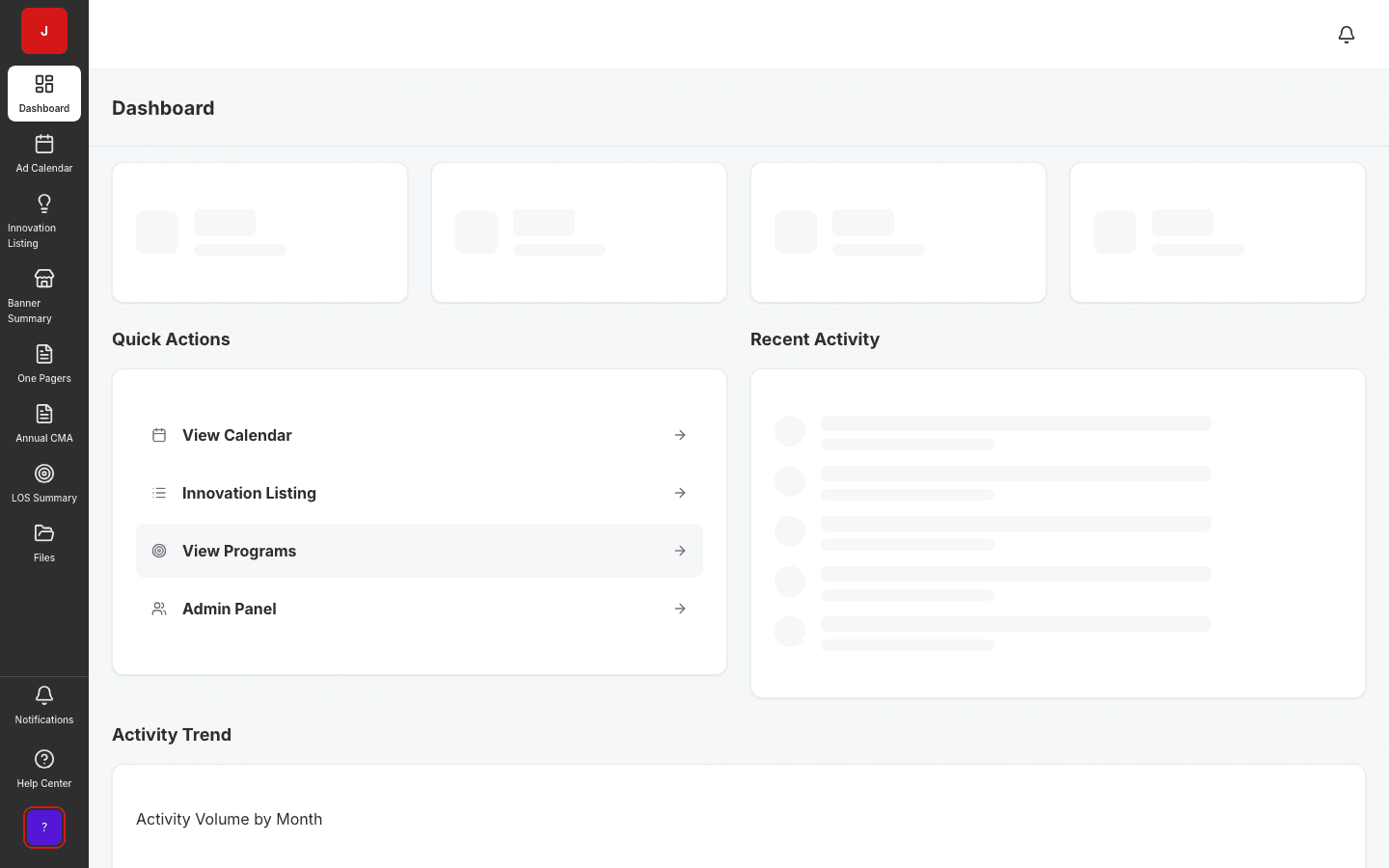
A clear path from setup to outcomes — built into the Judo platform your teams already use.
Find products by banner, status, region, or SKU across the full catalog.
Inspect in-market dates, POG timing, and color-coded listing status.
Edit listing fields with audit history; customize per banner where needed.
Cross-reference calendar, innovation, and GamePlan before retailer meetings.
A complete feature set — not a lite module bolted onto legacy TPM software.
Real screenshots from the Judo platform — the same UI your team will use in production.
3 related modules on the same platform — no integrations to wire up.
Manage new product introductions across banners.
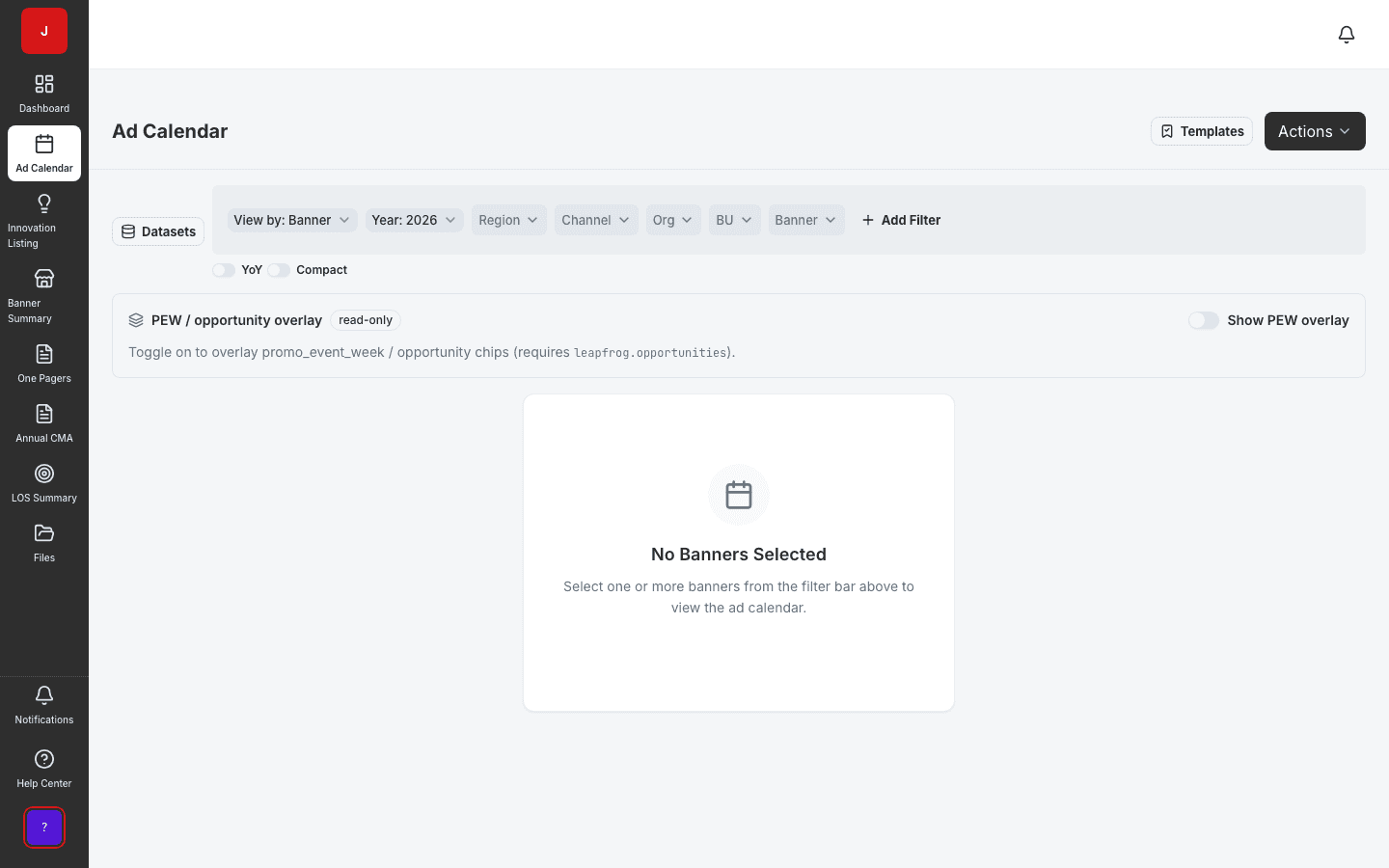
Plan and schedule promotional activities across banners and regions.
Executive snapshot of activity across retail banners.
Book a demo for TPO pilot modules, or join the waitlist for early access to the full execution platform.
Explore all platform features