Pilot
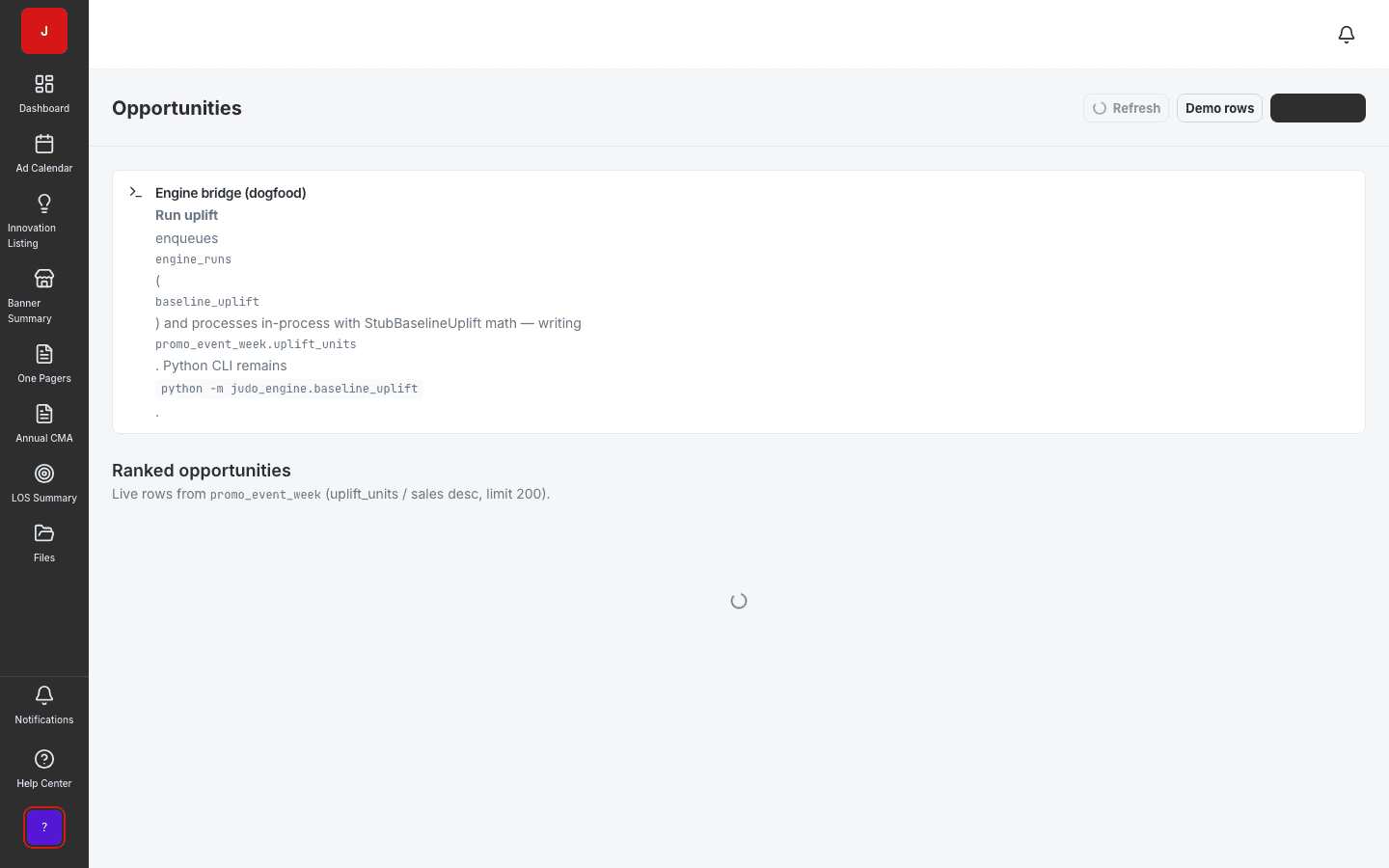
Promo Opportunities
Surface underperforming promos and reallocation candidates.
- Event-week opportunity scoring
- Filter and sort by banner, week, and mechanic
- Mark decisions that flow into scenarios
Build scenarios from marked opportunities, compare outcomes, and capture decisions that drive reallocation — the bridge between analysis and an approved trade plan.
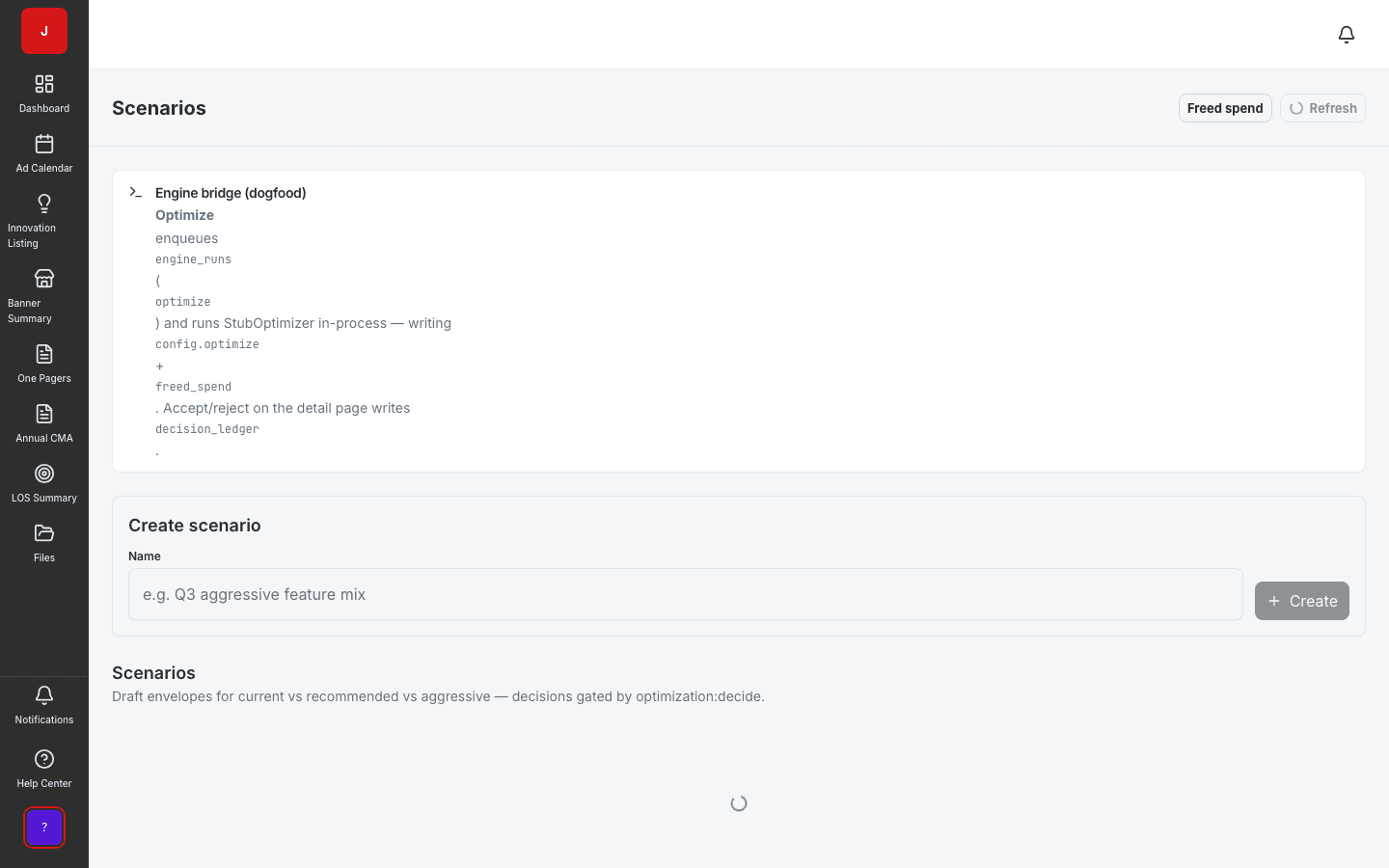
Model baseline vs proposed trade calendars before dollars are committed to retailers.
Capture scenario status, ownership, and decision config for finance and sales leadership sign-off.
See how reallocation moves events across banners and weeks before updating the live calendar.
Modeling
Scenario Modeling turns marked opportunities into what-if trade plans. RGM leads create scenarios, compare outcomes against baseline, and package decisions for stakeholder approval — the bridge between analysis and an approved trade calendar.
Stakeholder alignment
Finance partners review scenario summaries with clear spend deltas. Sales sees banner-level impact. Shopper marketing validates calendar fit. Everyone works from the same scenario artifact instead of parallel spreadsheet models.
Execution handoff
Once approved, scenario decisions inform calendar updates, freed-spend tracking, and LOS commitment adjustments. The optimization loop closes without re-keying data into execution modules.
A clear path from setup to outcomes — built into the Judo platform your teams already use.
Pull marked peel and reallocate decisions into a new scenario with inherited config.
Modify event assignments and spend assumptions; preview calendar impact in context.
Run side-by-side baseline vs proposed views for finance and sales stakeholders.
Lock the scenario, update freed-spend ledger, and hand off to calendar execution.
A complete feature set — not a lite module bolted onto legacy TPM software.
Real screenshots from the Judo platform — the same UI your team will use in production.
3 related modules on the same platform — no integrations to wire up.
Surface underperforming promos and reallocation candidates.
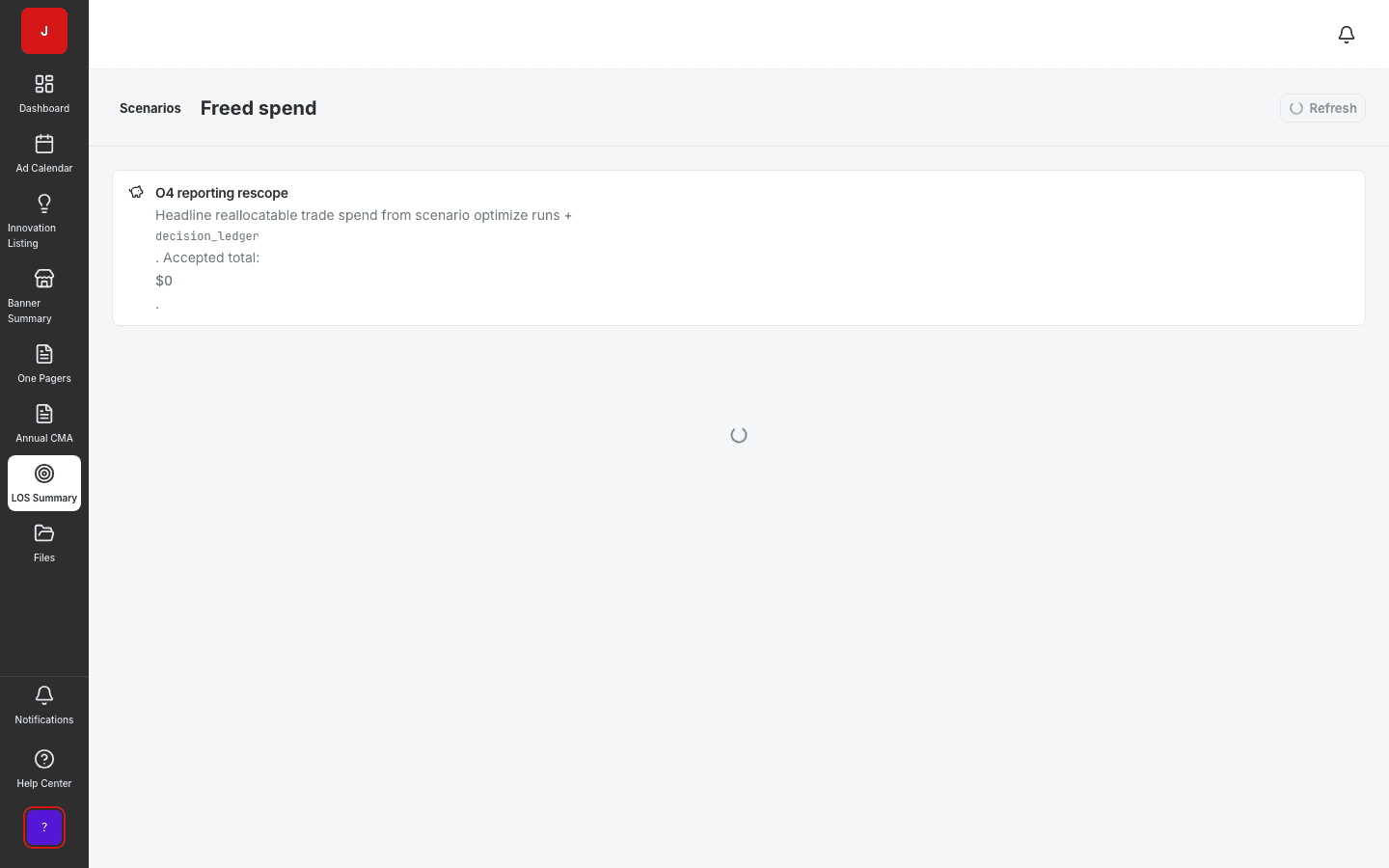
Track dollars freed when underperforming promos are reallocated.
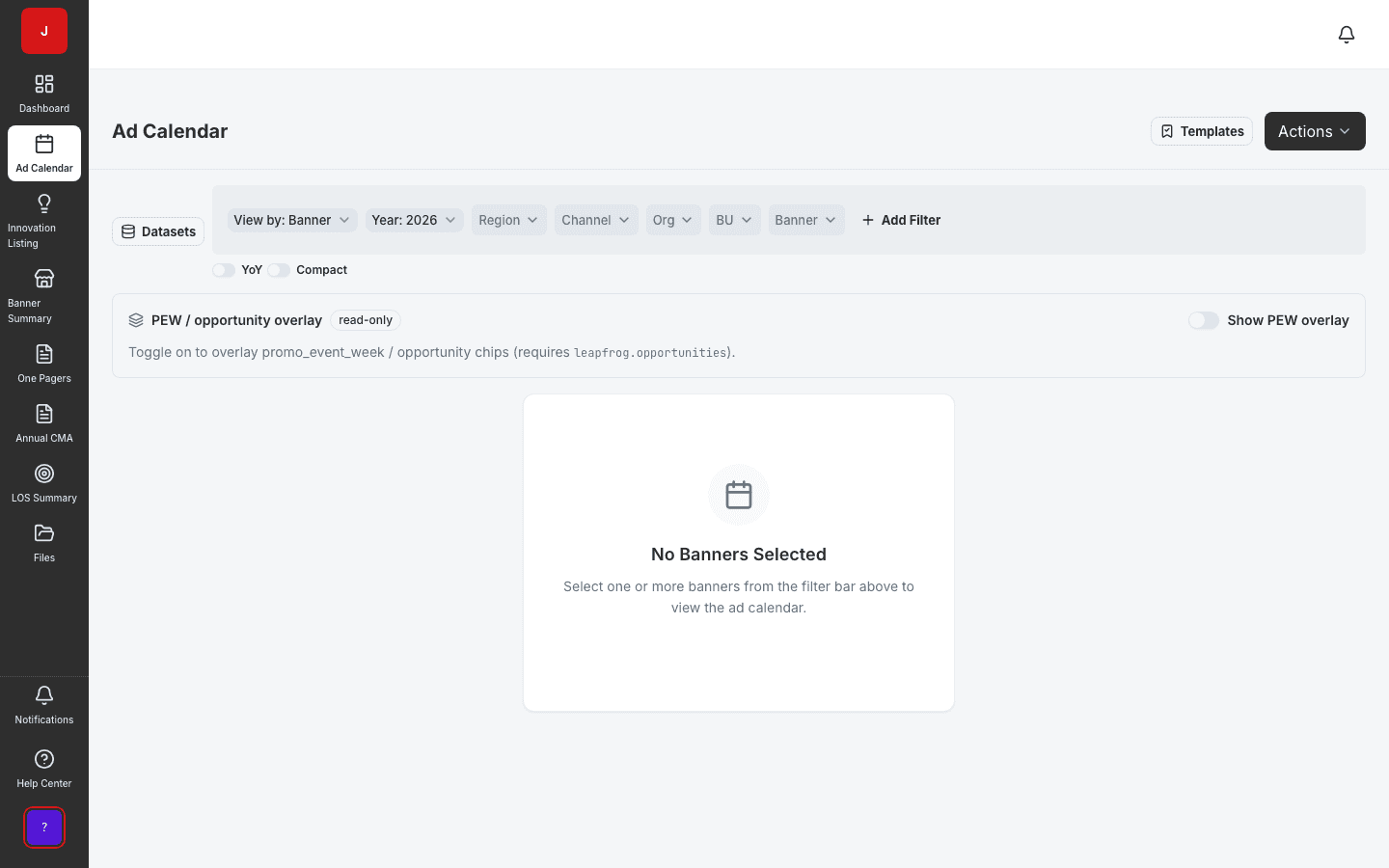
Plan and schedule promotional activities across banners and regions.
Book a demo for TPO pilot modules, or join the waitlist for early access to the full execution platform.
Explore all platform features