Available
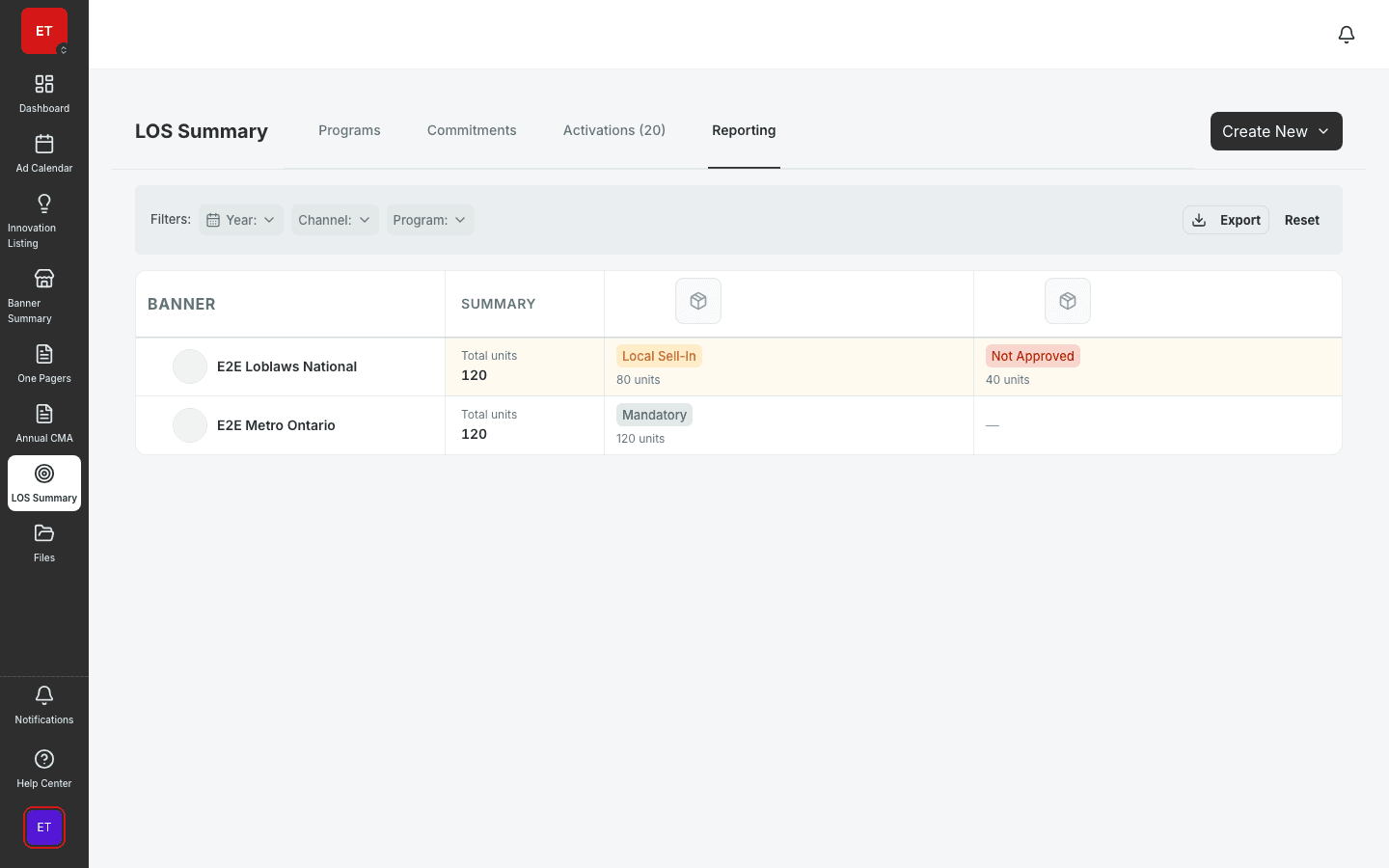
Reporting & LOS Analytics
POS matrices, program rollups, and LOS compliance reporting.
- POS compliance matrix
- Program status rollups
- Export for stakeholder decks
Unified operational insights with FilterChipBar navigation — surfacing calendar, listing, and execution metrics in one analytical view.
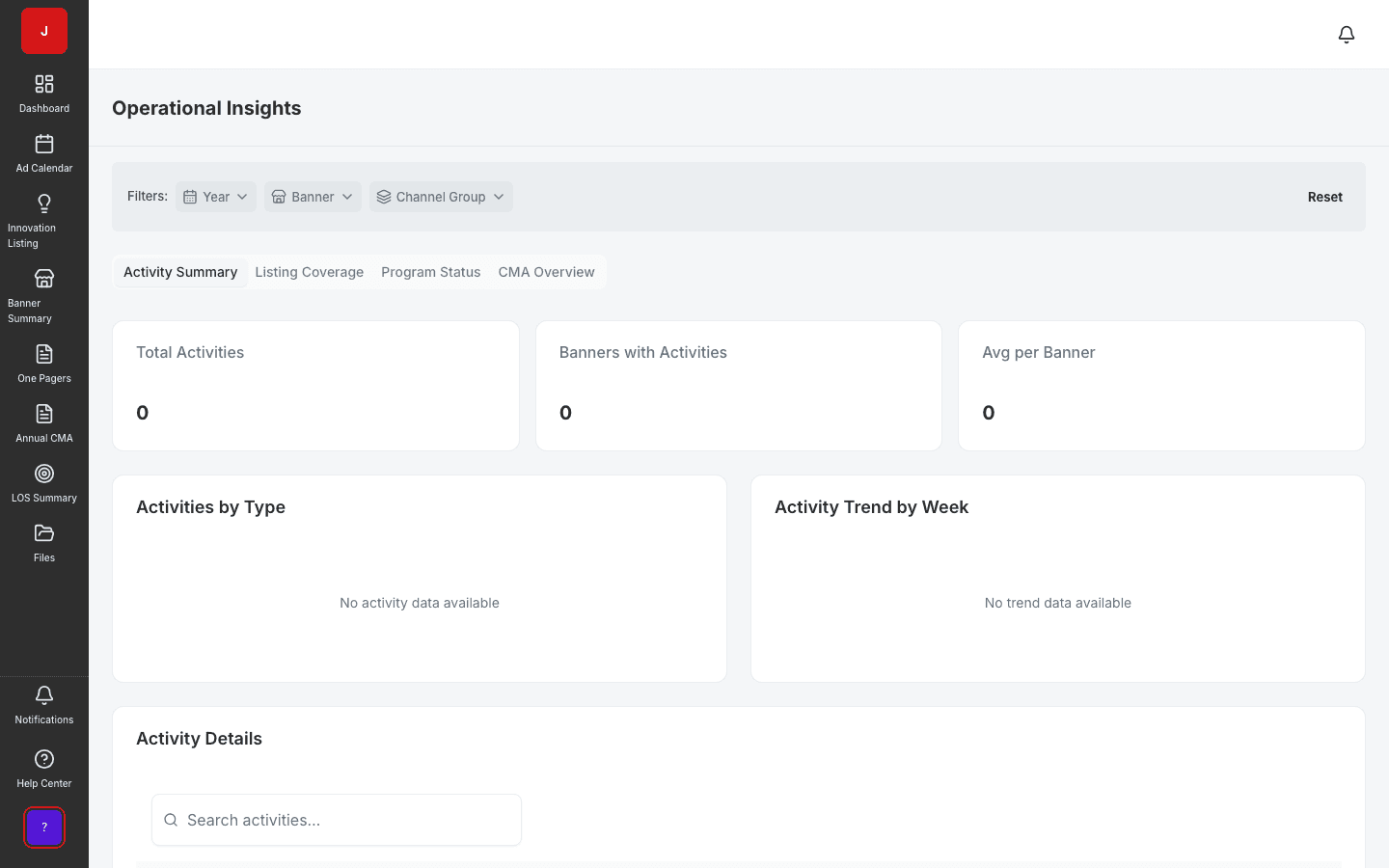
Calendar, listing, and execution metrics surface in a unified operational view.
FilterChipBar navigation lets operations teams slice data without learning each module separately.
Aligned with the design-system EntityPage so insights feel native across JudoCloud.
Unified analytics
Operational Insights surfaces calendar, listing, and execution metrics in one analytical view with FilterChipBar navigation. Operations and category leadership teams stop toggling between modules to answer “how are we doing this quarter?”
Drill-down
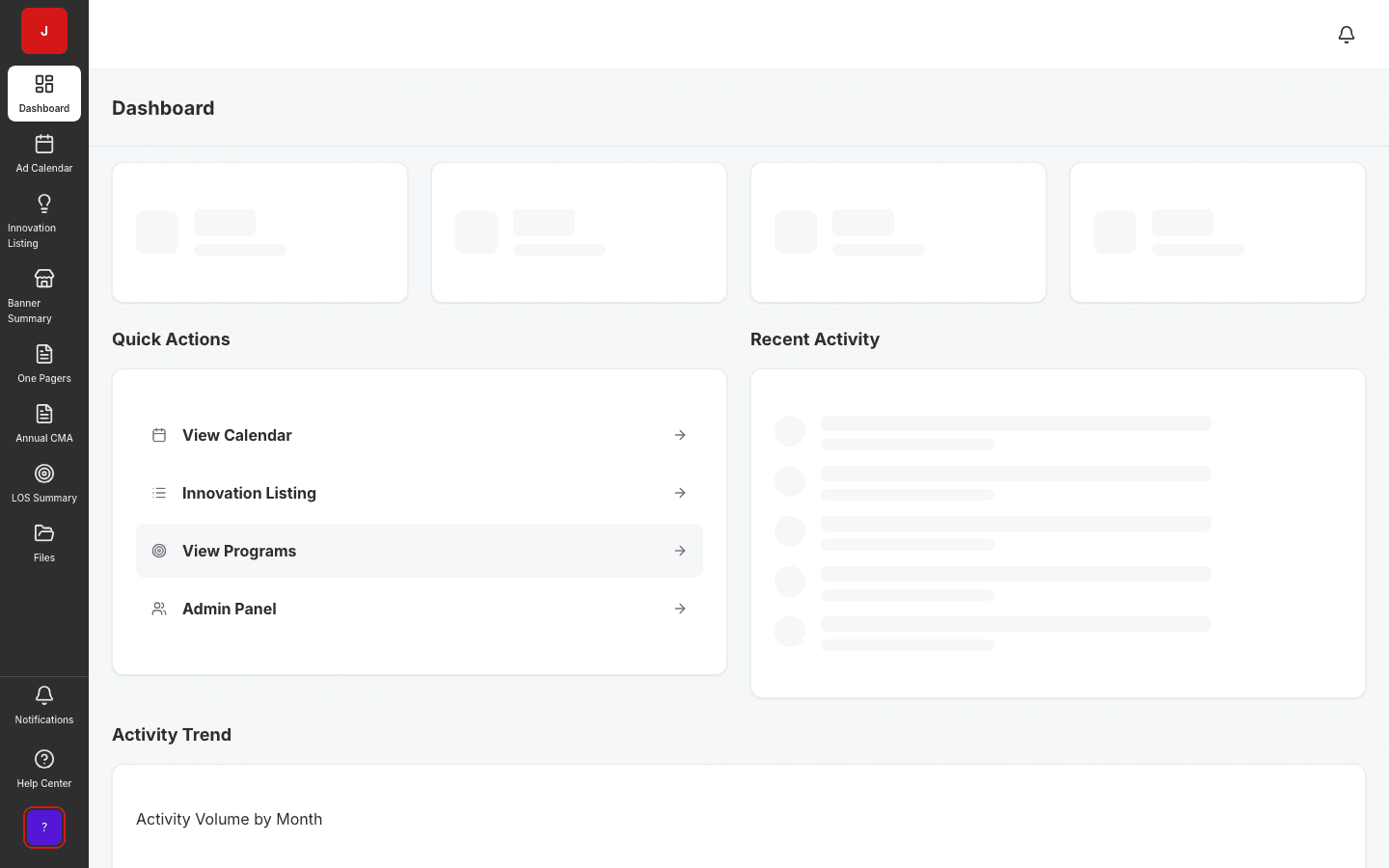
Each KPI card links to the source module — calendar activities, listing gaps, or compliance shortfalls. Operations leads investigate without losing filter context from the dashboard.
Leadership reviews
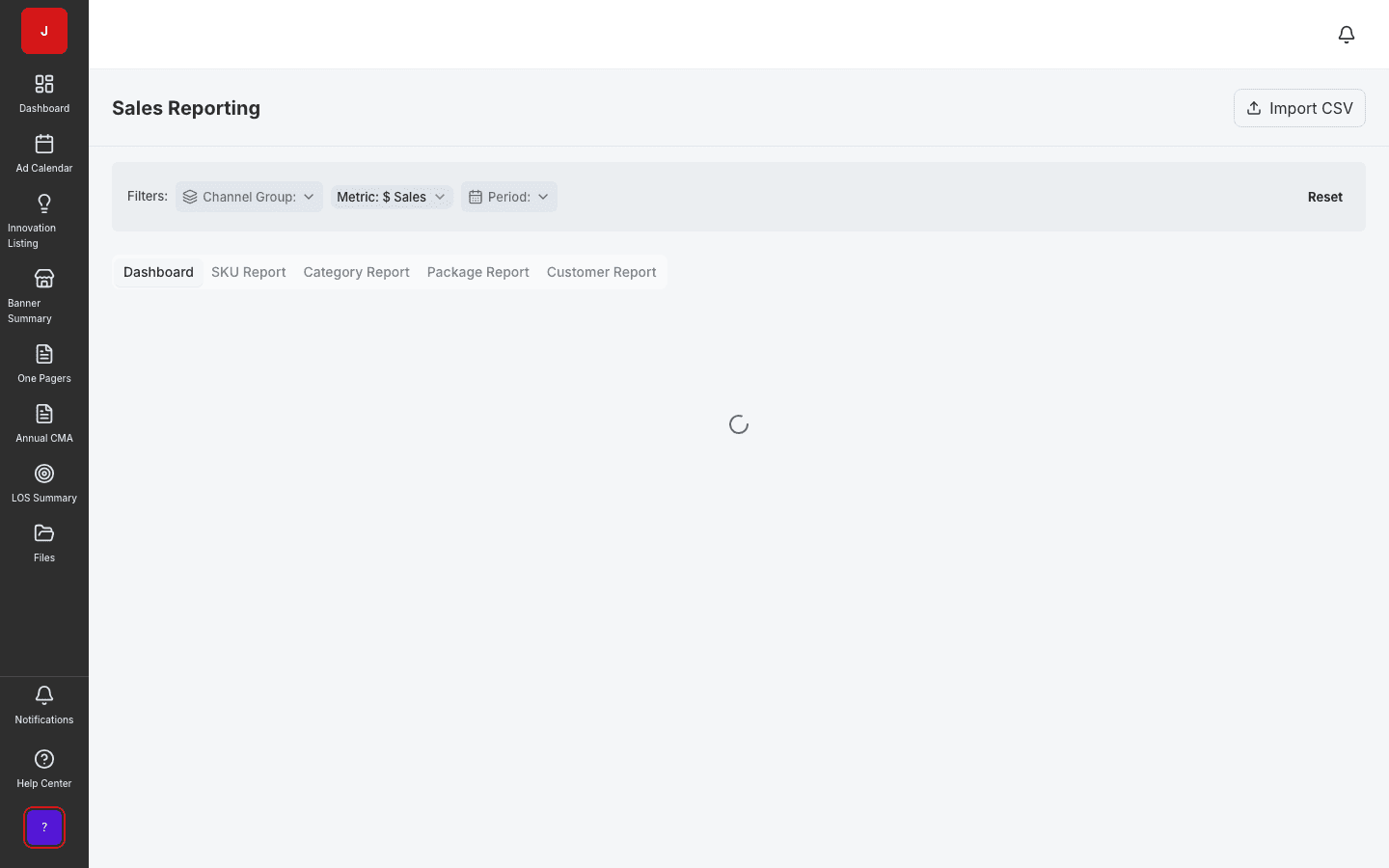
Banner summary and sales reporting complement operational insights for executive reviews. The same filter dimensions apply across modules — banner, region, channel, and period.
A clear path from setup to outcomes — built into the Judo platform your teams already use.
Land on the operational dashboard with default period and banner scope.
Use FilterChipBar to narrow by banner, region, channel, and metric type.
Click KPI cards to jump to calendar, listings, or reporting modules.
Export or present in ops standups and quarterly business reviews.
A complete feature set — not a lite module bolted onto legacy TPM software.
Real screenshots from the Judo platform — the same UI your team will use in production.
3 related modules on the same platform — no integrations to wire up.
POS matrices, program rollups, and LOS compliance reporting.
SKU-level sales dashboards and category performance.
Executive snapshot of activity across retail banners.
Book a demo for TPO pilot modules, or join the waitlist for early access to the full execution platform.
Explore all platform features