Available
Activations
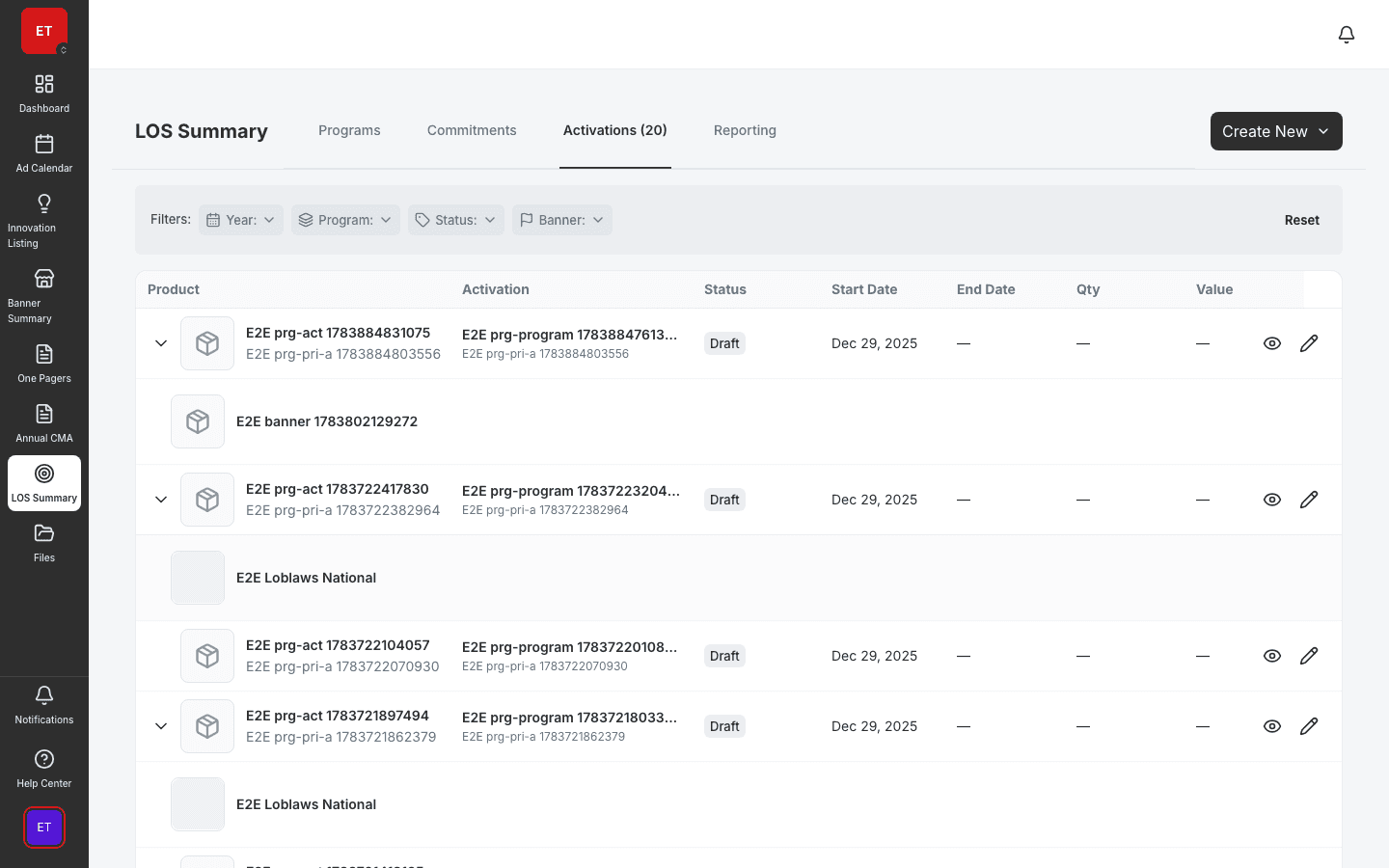
Manage PICOS activations with POS panels and banner coverage.
- Activation detail with POS panel
- Outlet coverage visualization
- Share and duplicate workflows
Create survey instruments, collect field responses, and analyze results — supporting compliance checks and store visit workflows.
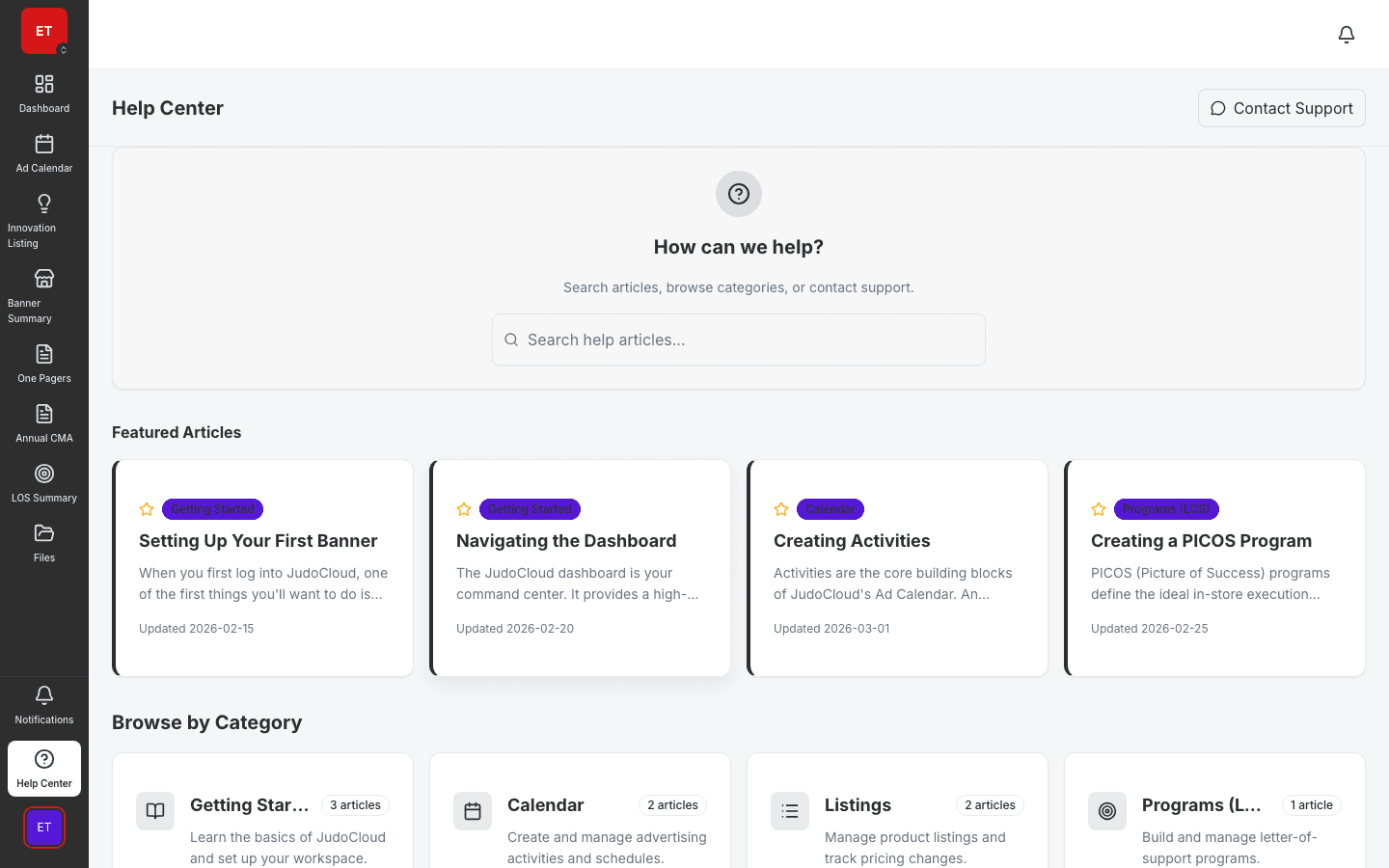
Deploy structured surveys to verify in-store execution and POS placement.
Collect and review field responses instead of unstructured visit notes.
Role-based access ensures the right teams see survey results and deploy instruments.
Field instruments
Surveys lets field marketing create survey instruments, collect structured responses, and analyze results. Compliance checks and store visit workflows move from ad-hoc forms to governed instruments tied to activations and POS tracking.
Compliance checks
Deploy surveys against activations to confirm materials are on shelf and displays match HQ standards. Results roll into compliance reporting alongside POS matrix data.

Field enablement
Field reps reference GamePlan for what to execute and surveys for how to verify. Help and documentation modules support training on survey instruments.
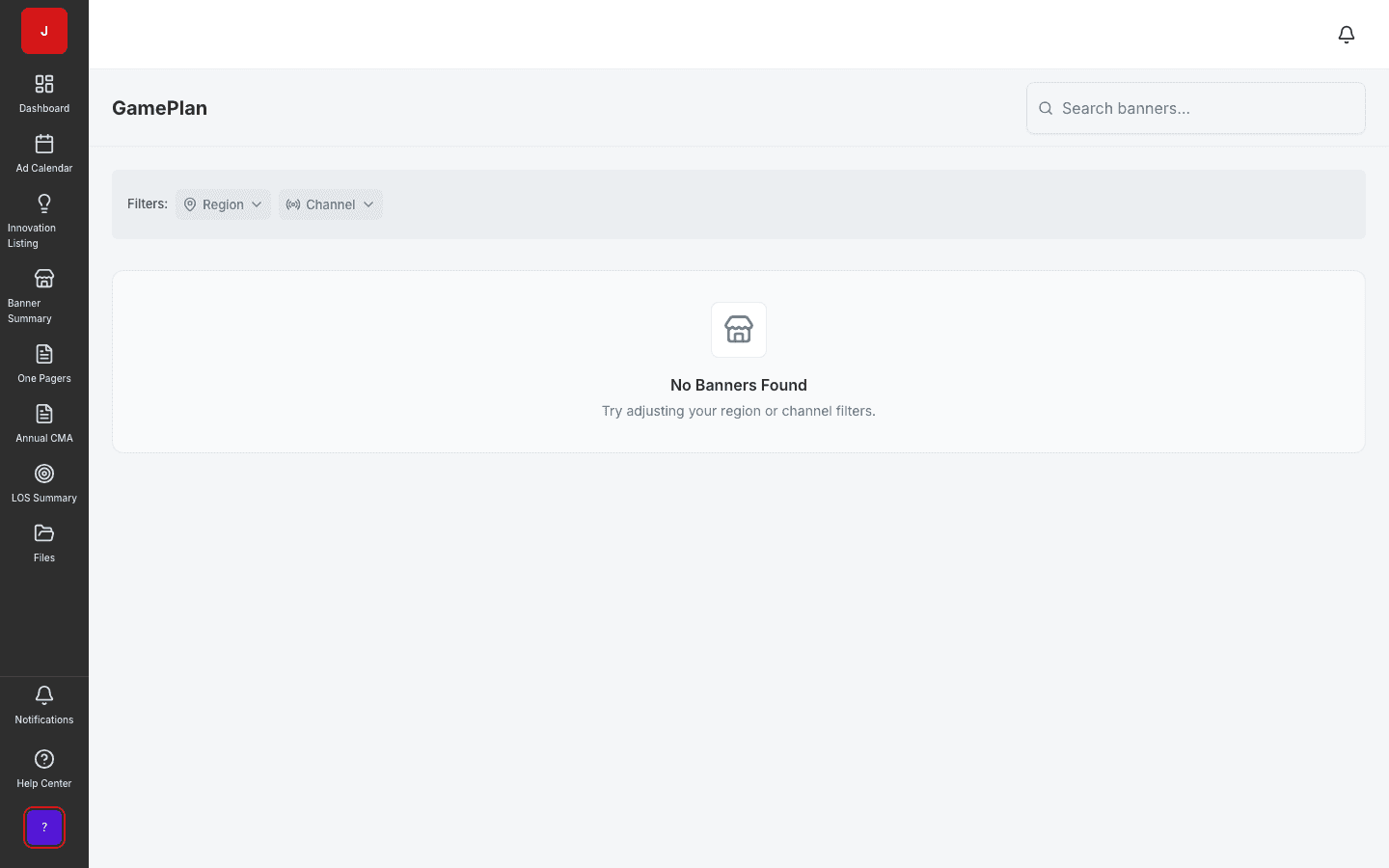
A clear path from setup to outcomes — built into the Judo platform your teams already use.
Create instrument with question types and validation rules.
Link to activations and assign to field teams for store visits.
Field reps submit structured responses during or after visits.
Review responses, export results, and feed compliance reporting.
A complete feature set — not a lite module bolted onto legacy TPM software.
Real screenshots from the Judo platform — the same UI your team will use in production.
2 related modules on the same platform — no integrations to wire up.
Manage PICOS activations with POS panels and banner coverage.
Track point-of-sale materials and compliance across outlets.
Book a demo for TPO pilot modules, or join the waitlist for early access to the full execution platform.
Explore all platform features