Pilot
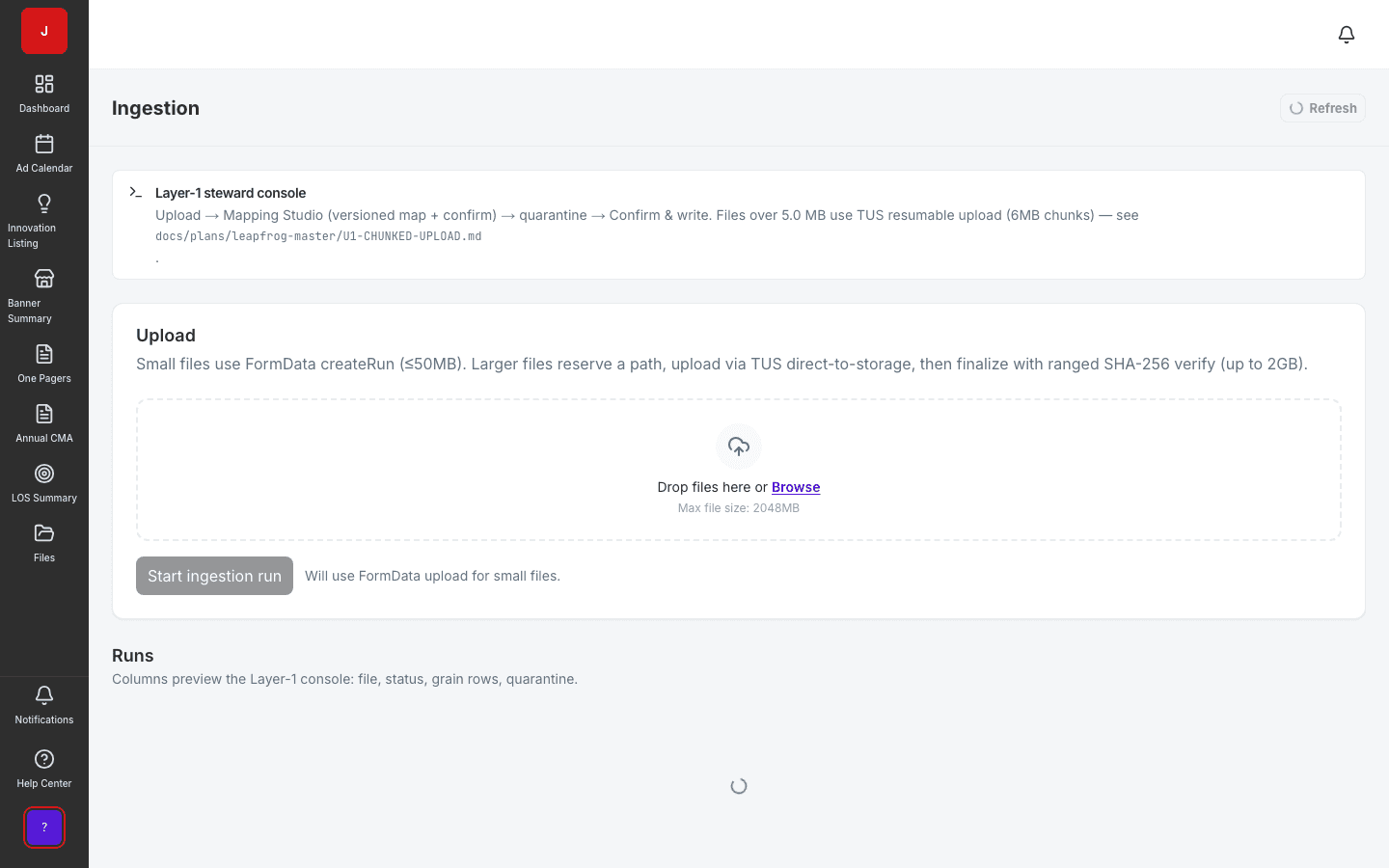
Data Ingestion & Mapping
Turn messy trade files into a governed source of truth in days.
- Upload → map → confirm → write pipeline
- AI-assisted column mapping with steward review
- Full lineage and quarantine for bad rows
Enterprise admin for user management, banner and catalog setup, SSO/SAML, API keys, OData egress, connector framework, and full audit visibility.
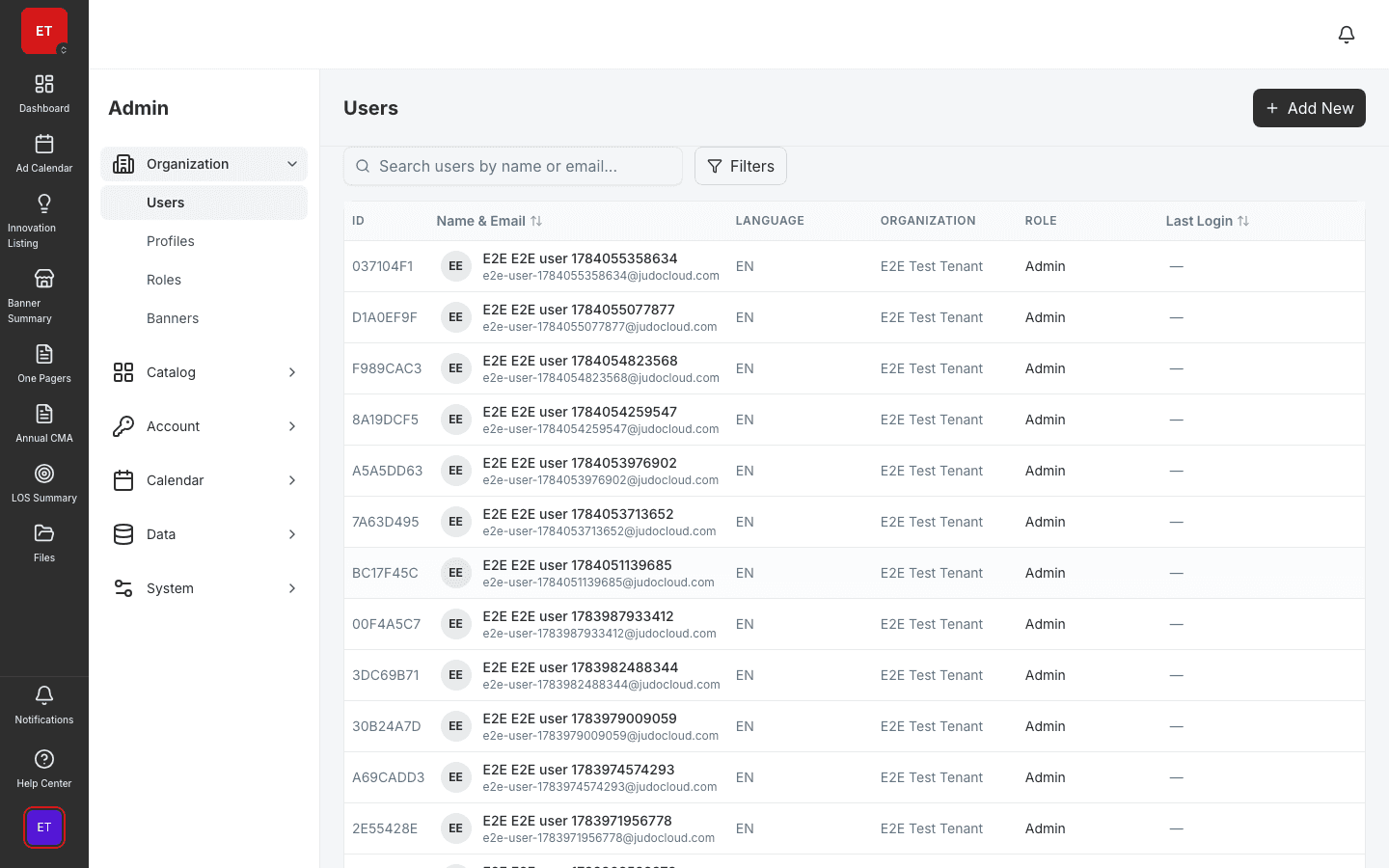
Users, roles, SSO, API keys, connectors, and audit logs in one admin console.
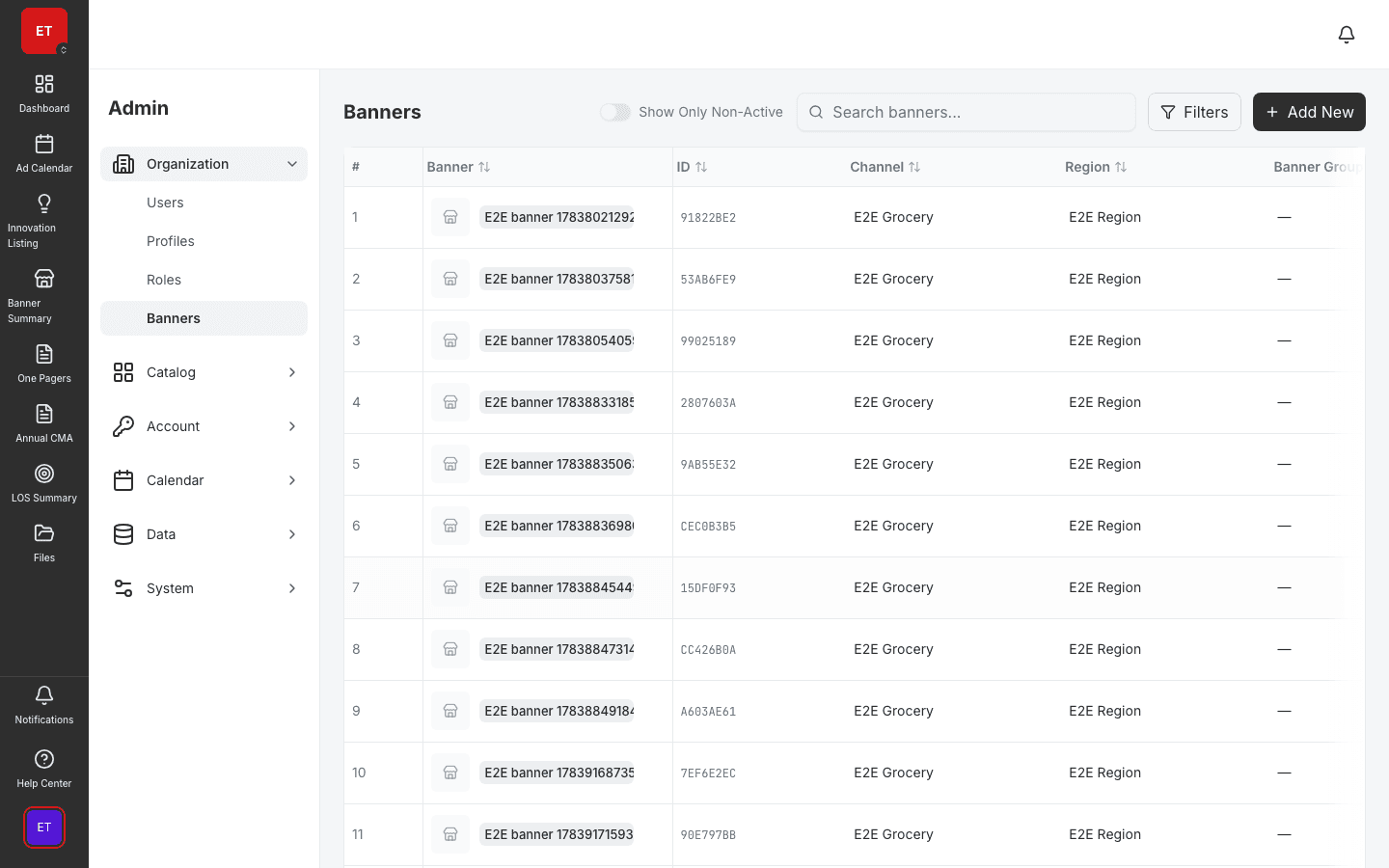
Banner, product, and catalog admin keeps planning modules on consistent master data.
Feature flags phase TPO modules across pilot engagements without code deploys.
Enterprise admin
Admin & Integrations is the enterprise control plane for JudoCloud — user management with EditDrawer, fine-grained module permissions, SSO/SAML, API keys, OData egress, connector framework, and full audit visibility. IT administrators and platform owners configure the tenant without developer tickets.
Master data
Banner groups, categories, brands, packages, and products configure the master data every planning module consumes. Activity types, product images, and banner date shift tools keep the catalog aligned with retailer reality.
Integrations & compliance
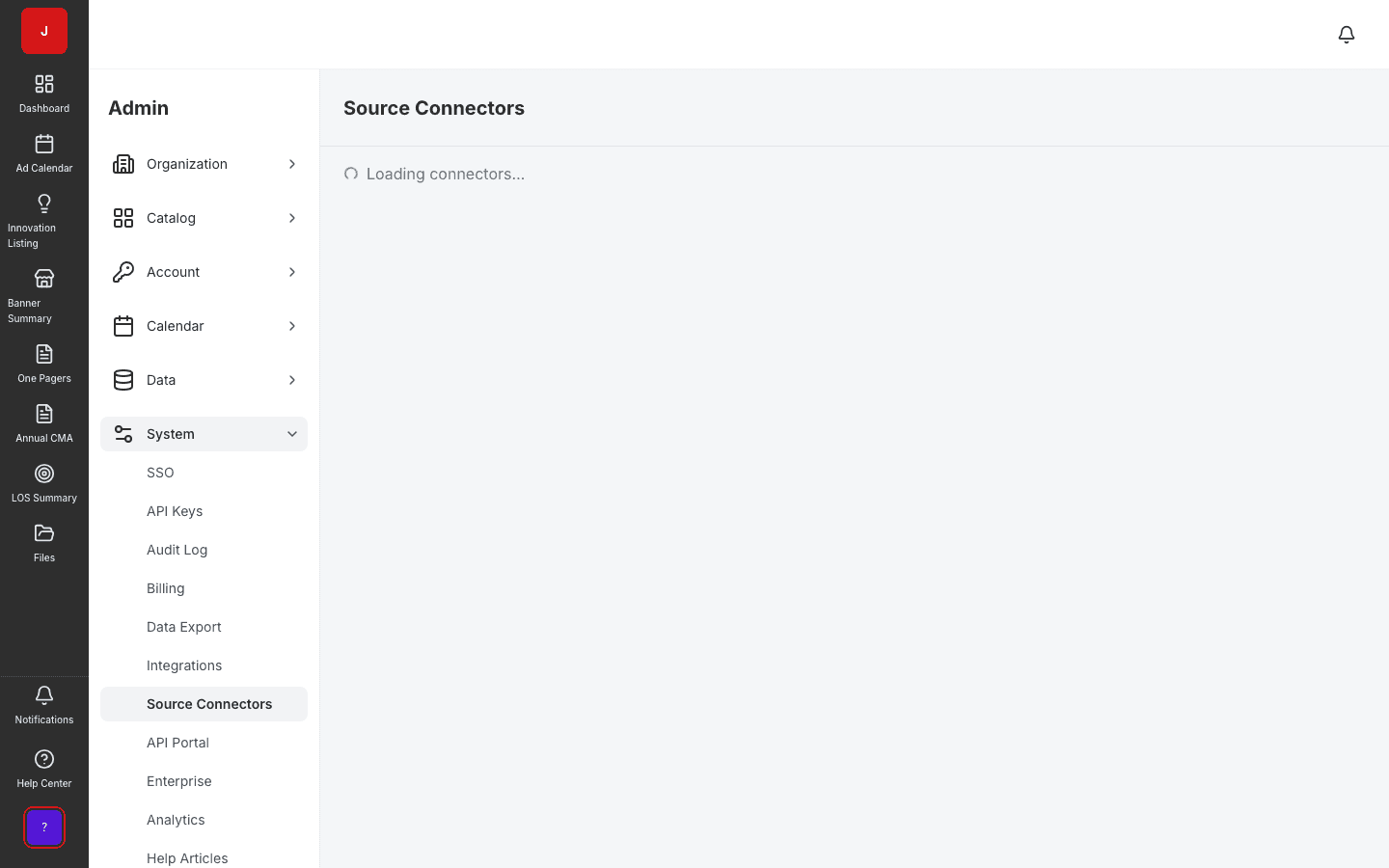
Integration connections scaffold recurring data flows. Billing and data export tools support enterprise procurement. AML integrity and demo provisioning round out the admin surface for platform owners.
A clear path from setup to outcomes — built into the Judo platform your teams already use.
Set up users, roles, SSO, and module permissions for the tenant.
Configure banners, catalog, and activity types for planning modules.
Configure connectors, API keys, and OData egress for enterprise IT.
Review audit logs, feature flags, and billing usage.
A complete feature set — not a lite module bolted onto legacy TPM software.
Real screenshots from the Judo platform — the same UI your team will use in production.
2 related modules on the same platform — no integrations to wire up.
Turn messy trade files into a governed source of truth in days.
Centralized document storage with permissions and audit.
Book a demo for TPO pilot modules, or join the waitlist for early access to the full execution platform.
Explore all platform features