Available
Admin & Integrations
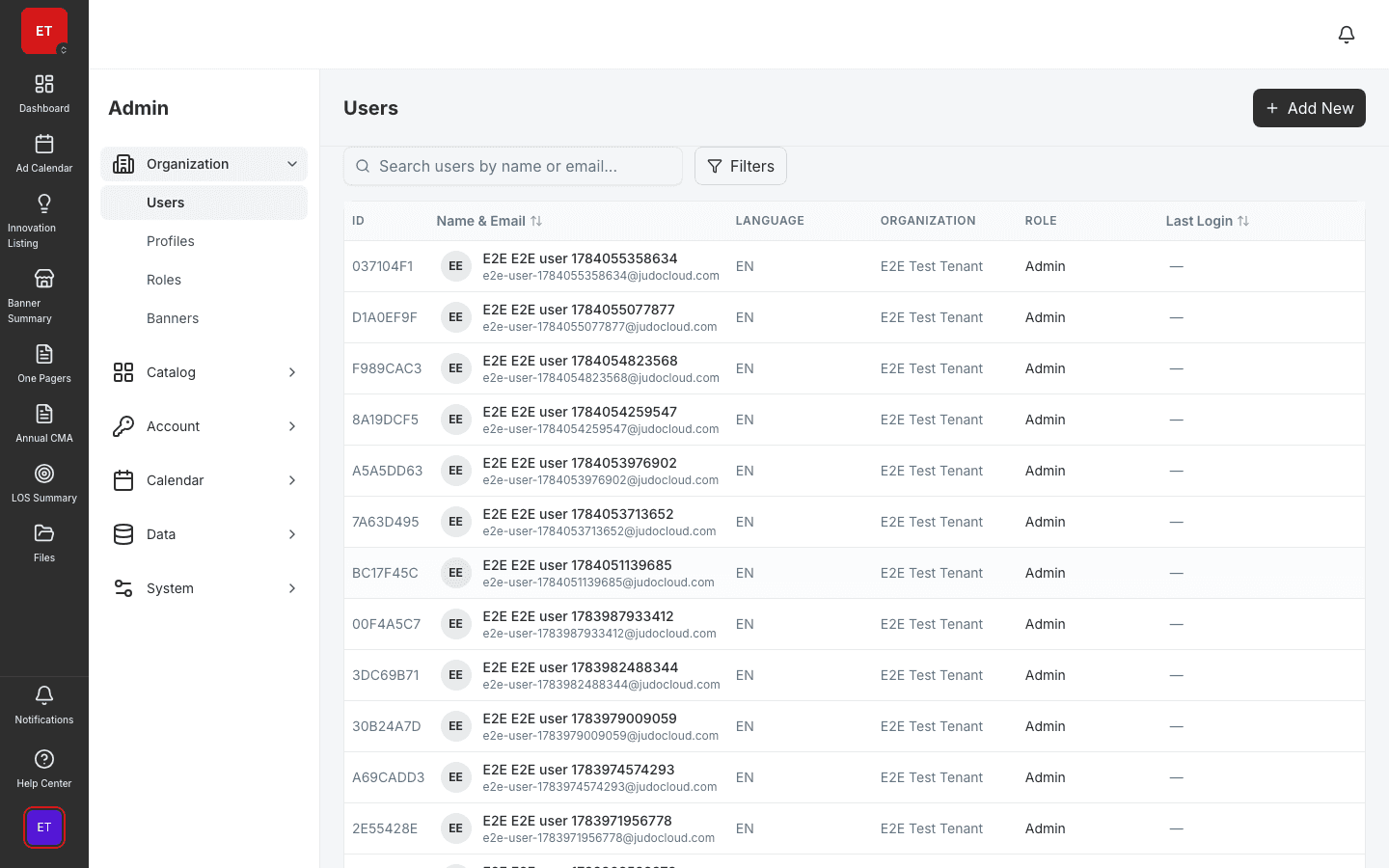
Users, roles, SSO, API keys, connectors, and audit logs.
- User and role management with EditDrawer
- SSO, API keys, and OData API
- Connector framework and audit logs
Store planograms, presentations, ingestion files, and images with role-based access, breadcrumbs, and storage usage tracking.
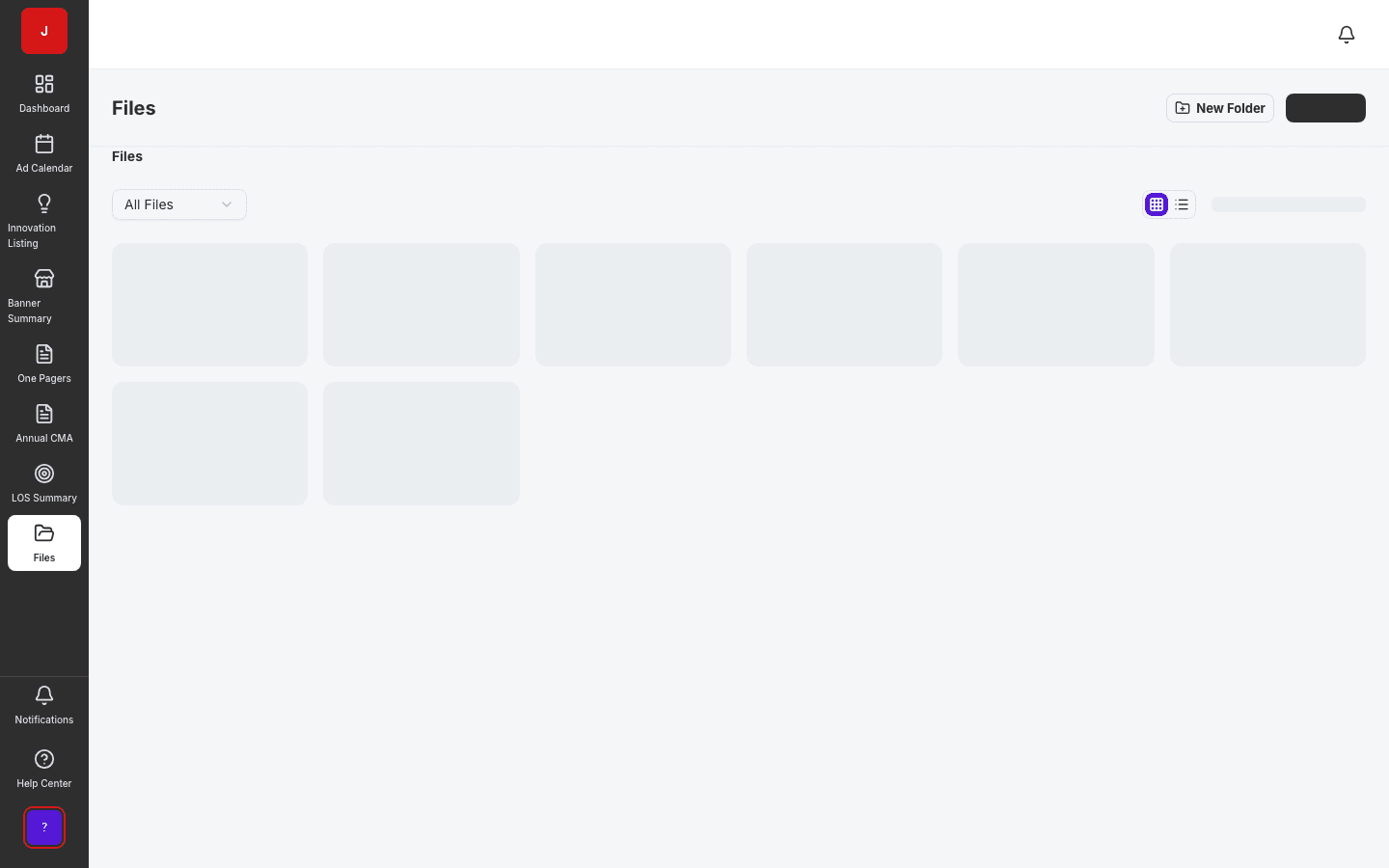
Planograms, presentations, ingestion files, and images live in one permissioned library.
Folder-level permissions ensure teams see only the documents they need.
IT administrators monitor storage consumption and audit access patterns.
Document hub
File Management stores planograms, presentations, ingestion files, and images with role-based access, breadcrumbs, and storage usage tracking. Every team shares one document library instead of scattered SharePoint folders and email attachments.
Permissions
Permission grants per folder let administrators scope sensitive trade files to RGM teams while field assets stay visible to execution roles. Audit logs track who accessed what and when.
Platform integration
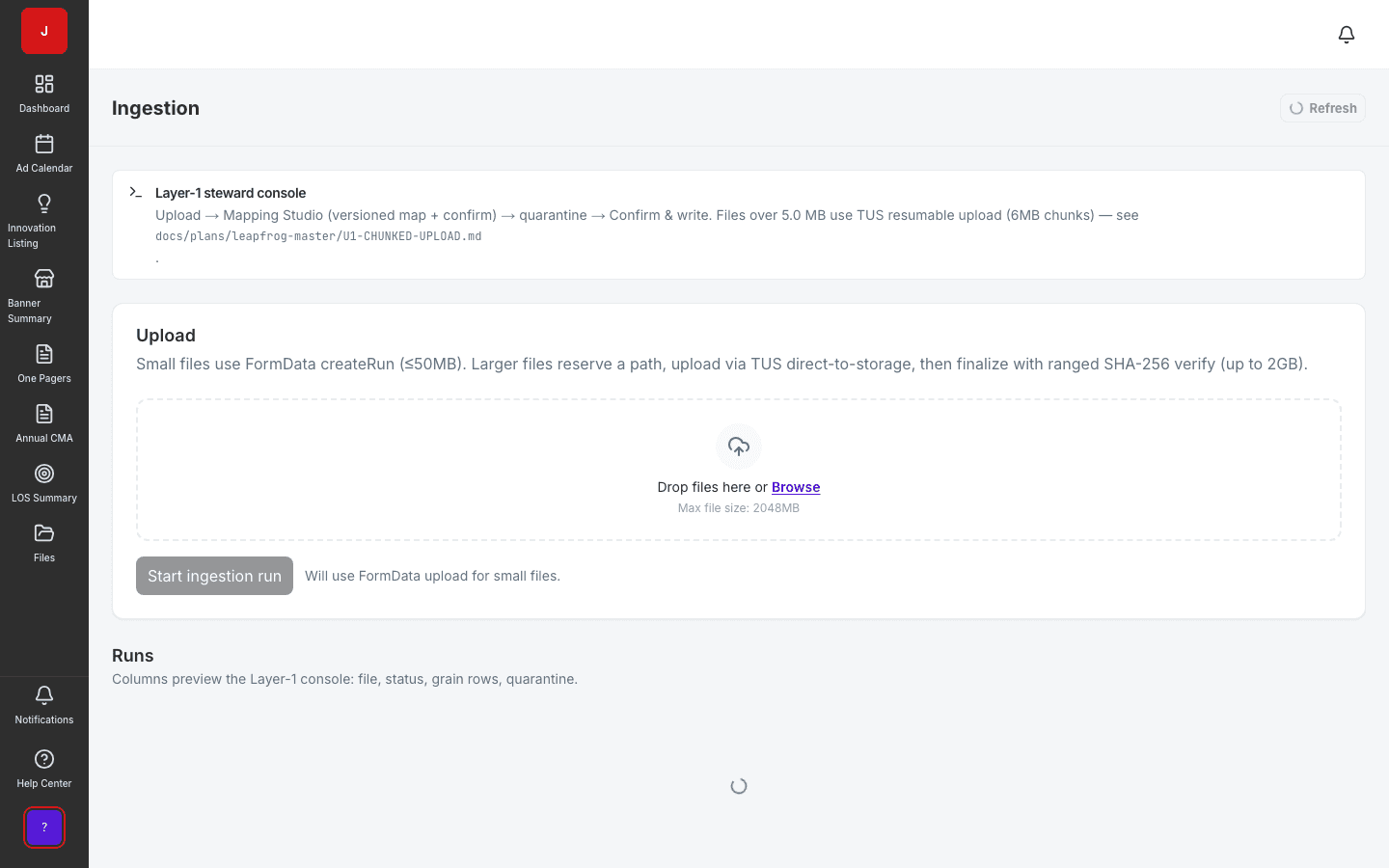
Ingestion uploads land in file storage. Planogram exports distribute via files. One-pager PDFs publish to shared folders for sales and field teams.
A clear path from setup to outcomes — built into the Judo platform your teams already use.
Create folder hierarchy with breadcrumbs for team navigation.
Grant role-based access at folder level for sensitive content.
Upload documents; track versions and storage usage.
Share via links or module integration for field and trade teams.
A complete feature set — not a lite module bolted onto legacy TPM software.
Real screenshots from the Judo platform — the same UI your team will use in production.
3 related modules on the same platform — no integrations to wire up.
Users, roles, SSO, API keys, connectors, and audit logs.
Turn messy trade files into a governed source of truth in days.
Design and manage shelf layouts for every store format.
Book a demo for TPO pilot modules, or join the waitlist for early access to the full execution platform.
Explore all platform features