Available
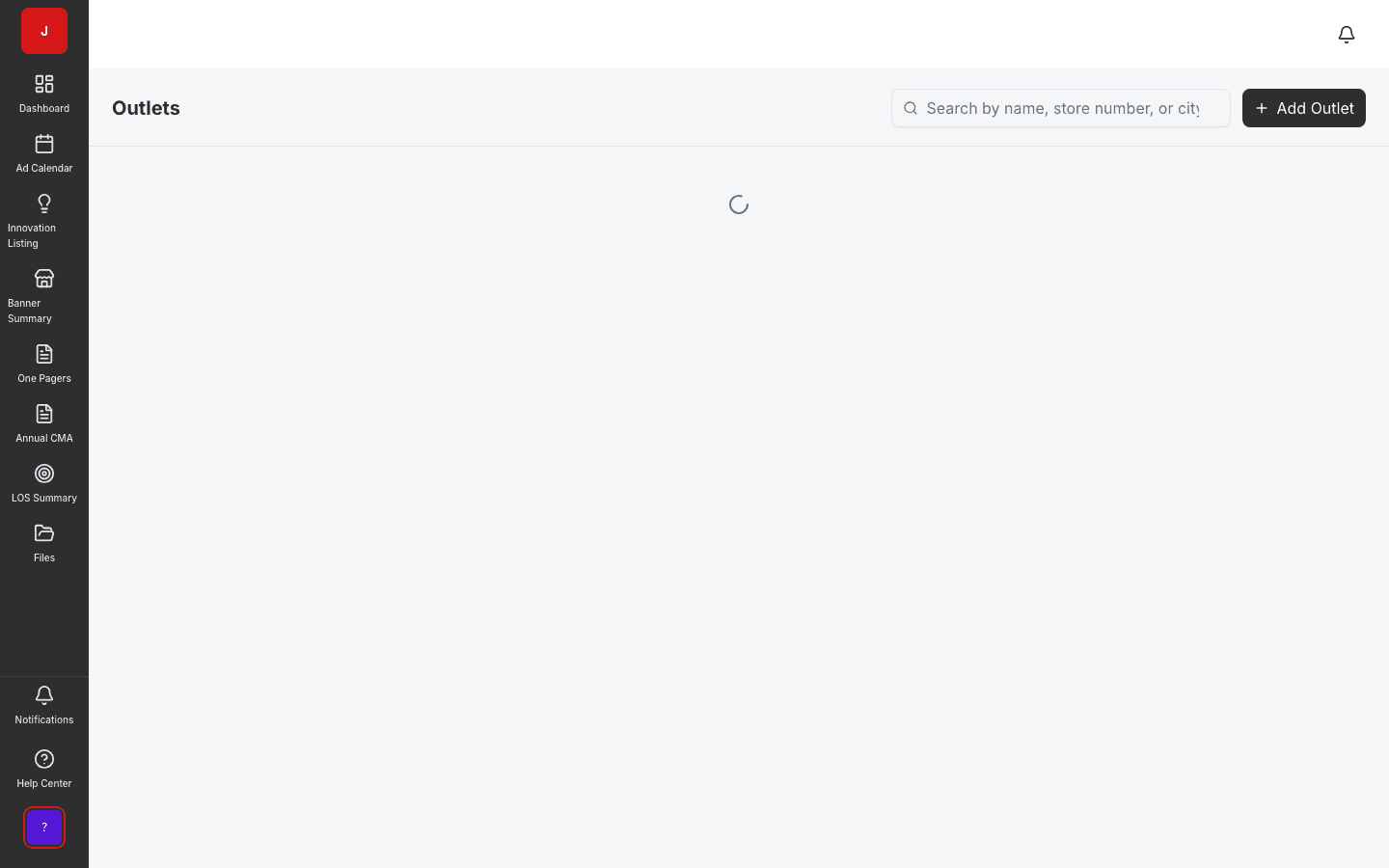
Outlets
Manage store and outlet master data for field execution.
- Outlet grid with search and filters
- Banner and region attributes
- Feeds activation coverage
Attach PDF floorplans to outlets and define zones for execution planning. Pin placement editor is on the roadmap.
PDF upload and zone management are available. Interactive pin placement is coming soon.
Attach store floorplan PDFs so field teams know where merchandising zones sit on the floor.
Define merchandising zones linked to outlets for execution planning and audits.
PDF upload and zone management are live today; interactive pin placement is on the roadmap.
Store layout
Floorplan & Zones lets retail execution teams attach PDF floorplans to outlets and define merchandising zones for execution planning. Store planners coordinate with planograms and activations so field reps know not just what to execute, but where on the floor.
Zone management
Zones represent endcaps, gondolas, coolers, and other merchandising areas within a store. HQ assigns execution standards to zones; field teams reference the same definitions during store visits and compliance surveys.
Roadmap
PDF upload and zone management are available in pilot engagements today. Interactive pin placement — dropping POS and planogram markers directly on the floorplan — is on the roadmap for field execution teams who need pixel-perfect guidance.
A clear path from setup to outcomes — built into the Judo platform your teams already use.
Navigate to the outlet record and open floorplan management.
Attach the retailer floorplan PDF for in-context preview.
Create merchandising zones with names and metadata for the outlet.
Connect zones to planograms and activations for field guidance.
A complete feature set — not a lite module bolted onto legacy TPM software.
Real screenshots from the Judo platform — the same UI your team will use in production.
2 related modules on the same platform — no integrations to wire up.
Manage store and outlet master data for field execution.
Design and manage shelf layouts for every store format.
Book a demo for TPO pilot modules, or join the waitlist for early access to the full execution platform.
Explore all platform features