Pilot
Floorplan & Zones
Upload store floorplans and define merchandising zones.
- PDF floorplan upload per outlet
- Zone definition for merchandising
- Linked to outlets and planograms
Maintain outlet records with banner, region, and format attributes — the foundation for coverage bars, floorplans, and compliance reporting.
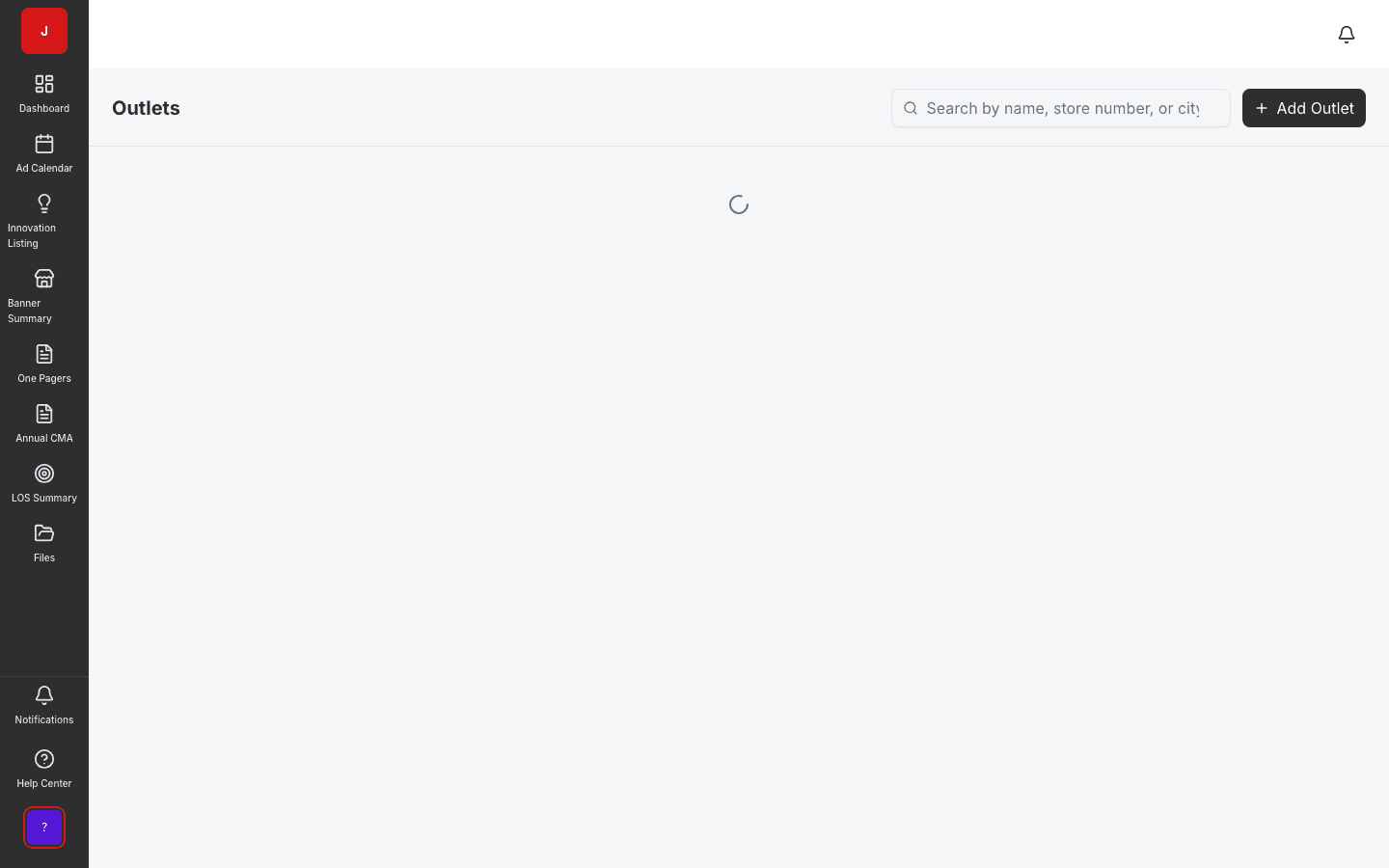
Outlet records with banner, region, and format attributes feed coverage, floorplans, and compliance.
Import and bulk-update thousands of stores without manual data entry per location.
Activation coverage bars and sell-in tracking depend on accurate outlet master data.
Store master
Outlets maintains store and outlet master data with banner, region, and format attributes. Retail operations teams keep the foundation current so activation coverage bars, floorplans, and compliance reporting reflect reality on the ground.
Coverage foundation
Activations calculate mandatory and local sell-in against outlet counts from this module. Stale outlet data means wrong coverage — keeping outlets current is a prerequisite for trustworthy compliance metrics.
Spatial context
Each outlet can have an attached floorplan PDF and merchandising zones. Field teams navigate from outlet record to spatial layout without switching systems.
A clear path from setup to outcomes — built into the Judo platform your teams already use.
Bulk import retailer store lists or create individual outlet records.
Assign banner, region, format, and channel attributes for filtering.
Attach floorplans, zones, and planogram format assignments.
Bulk update on retailer changes; coverage and compliance stay current.
A complete feature set — not a lite module bolted onto legacy TPM software.
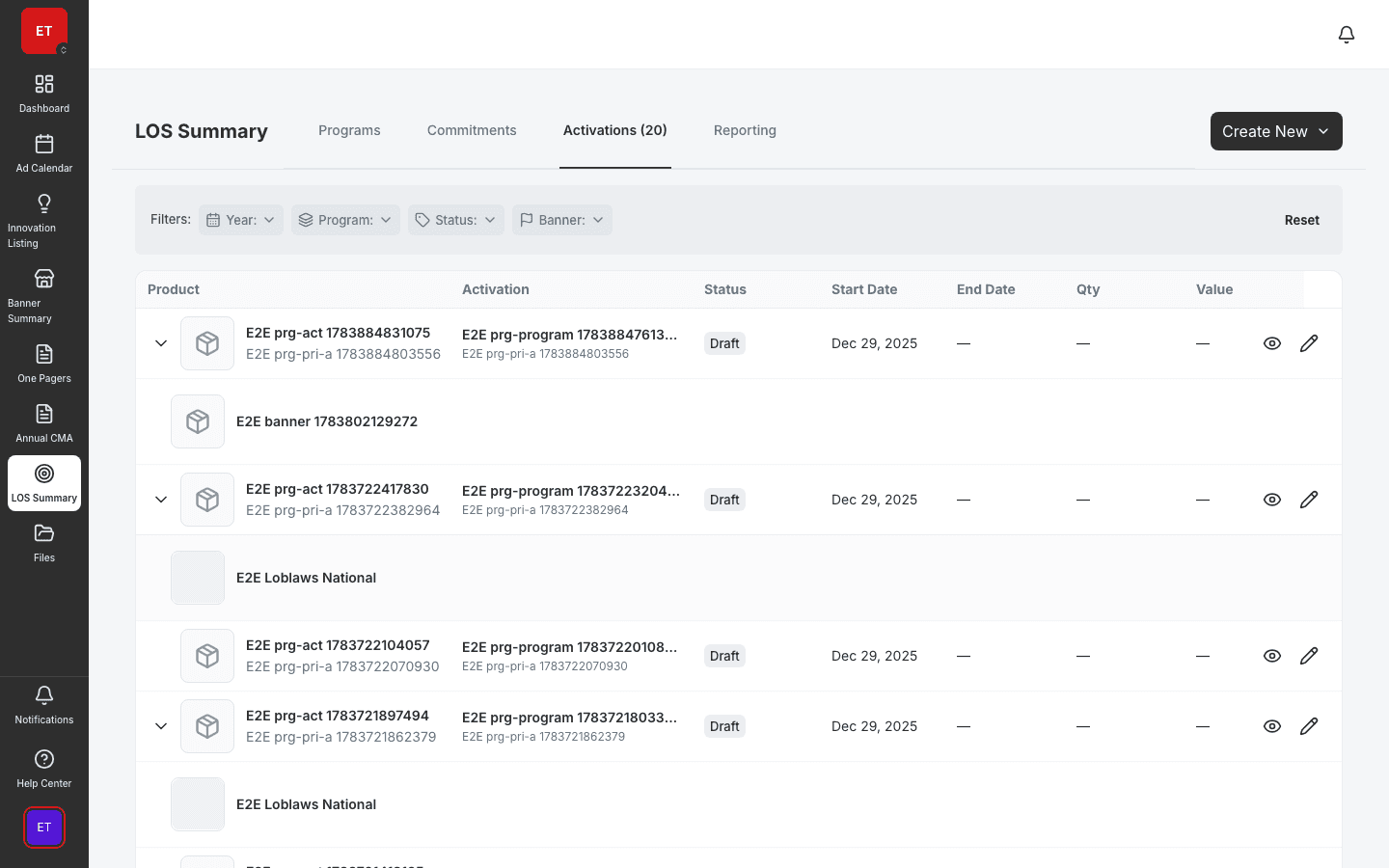
Real screenshots from the Judo platform — the same UI your team will use in production.
3 related modules on the same platform — no integrations to wire up.
Upload store floorplans and define merchandising zones.
Manage PICOS activations with POS panels and banner coverage.
Design and manage shelf layouts for every store format.
Book a demo for TPO pilot modules, or join the waitlist for early access to the full execution platform.
Explore all platform features